Adding a quality gate to a project
To add a quality gate to a project, follow these steps:
- Go to Projects → Project name → Quality gates.
- Select Add quality gate.
- Select the quality gate you need from the list, or select Create new quality gate. Selecting the button to create a new quality gate opens the quality gate creation form.
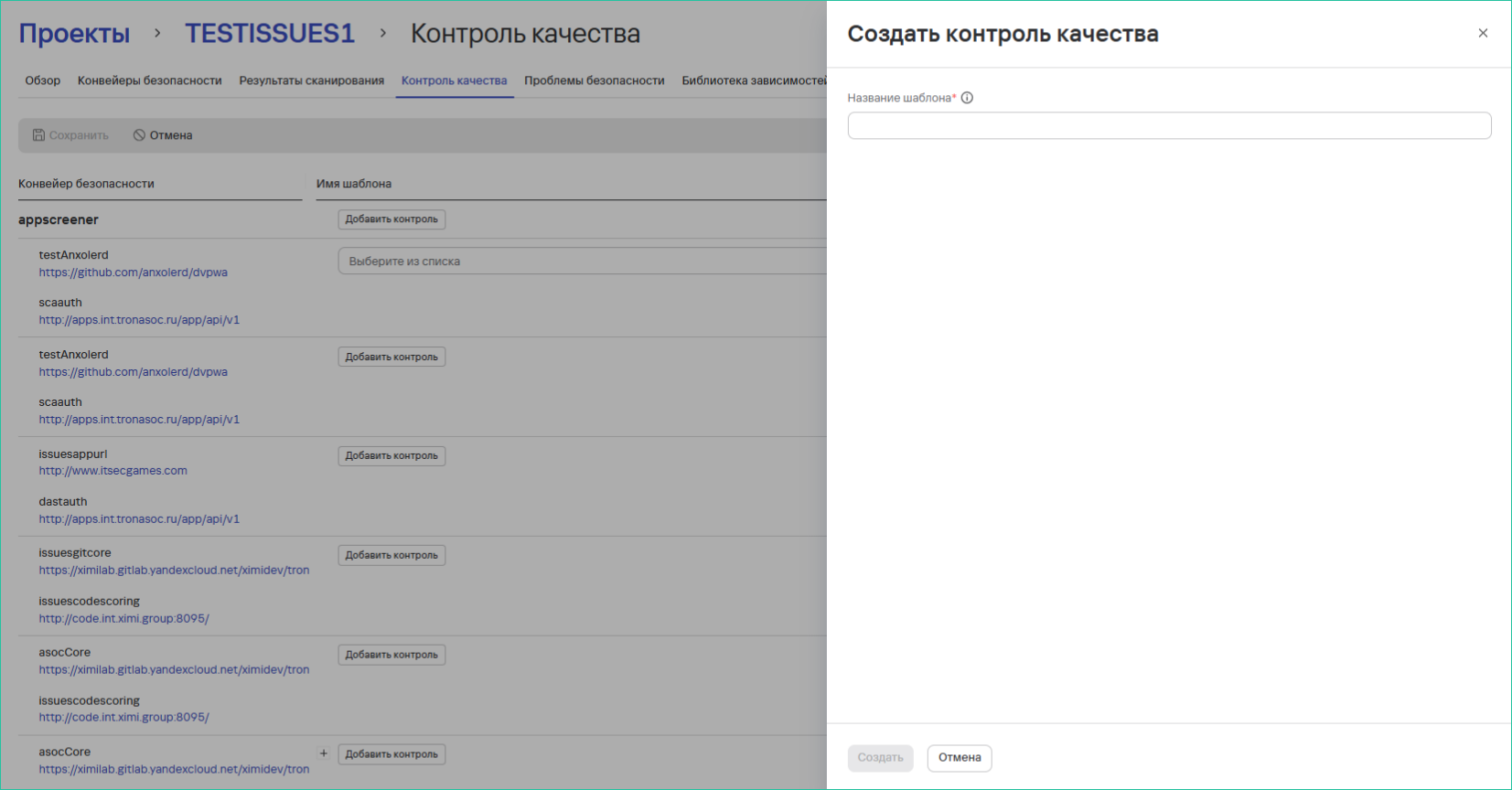
- Select Save.
You can track quality gate results in project pipelines and security checks.
tip
For more information about managing quality gate templates, see Quality gate templates.