Field Builder
The Field Builder section allows you to configure custom project fields.
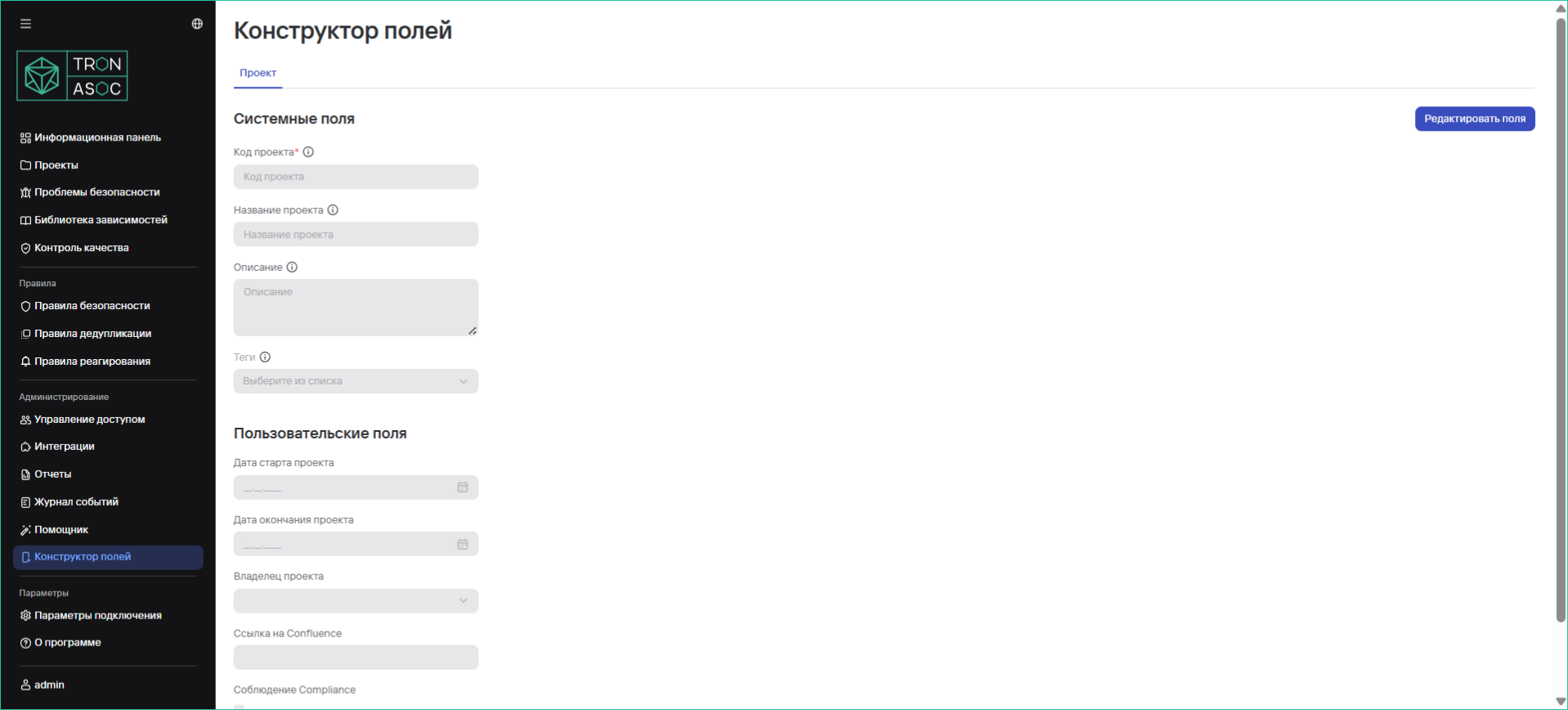
Configuring Fields
To configure fields, follow these steps:
- Navigate to the Field Builder page
- Click the Edit Fields button
- In the window that opens on the right, adjust (add/remove) the presented set of fields using the corresponding Add Field button or

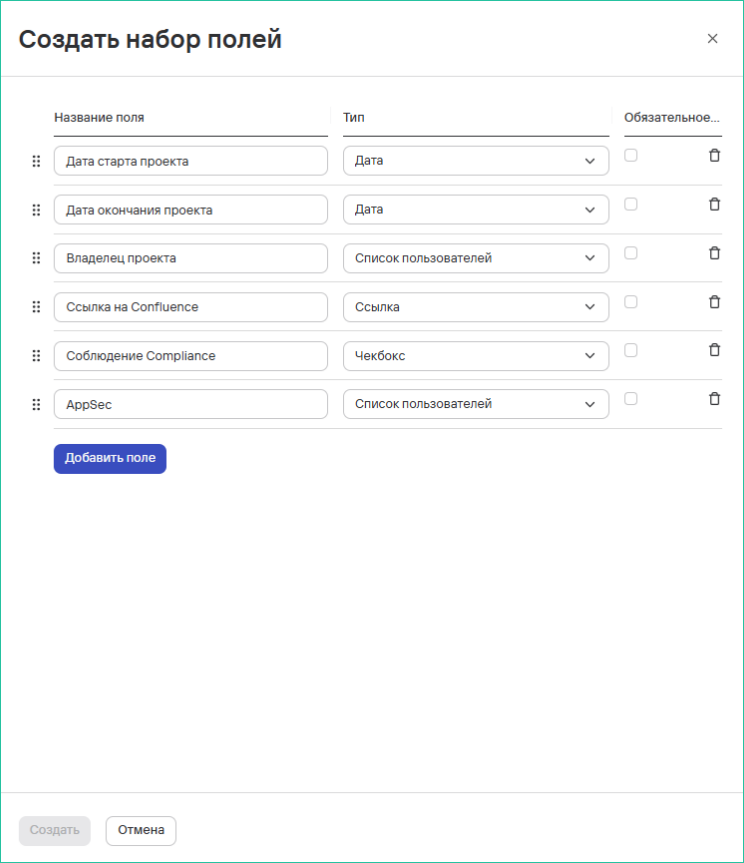
- Fill in the parameters for each field:
- Field Name (required)
- Field Type (select from available options)
- Required Field (check if necessary)
- Click the Create button
Usage Features
- All changes are applied instantly
- Required fields are marked with a special icon
- Field types can include: text, number, date, dropdown list, and others