Workspace Element Settings
Data Display Settings
The following data manipulation functions are available for table views in the TRON.ASOC interface:
Data Search
-
Use the "Search..." field above the table

-
The system searches across all visible columns
-
Search works in real-time as you type
Column Visibility Settings
- Click the
 button
 - In the opened form:
- Check the boxes for the fields you want to display
- Uncheck the boxes for unnecessary fields
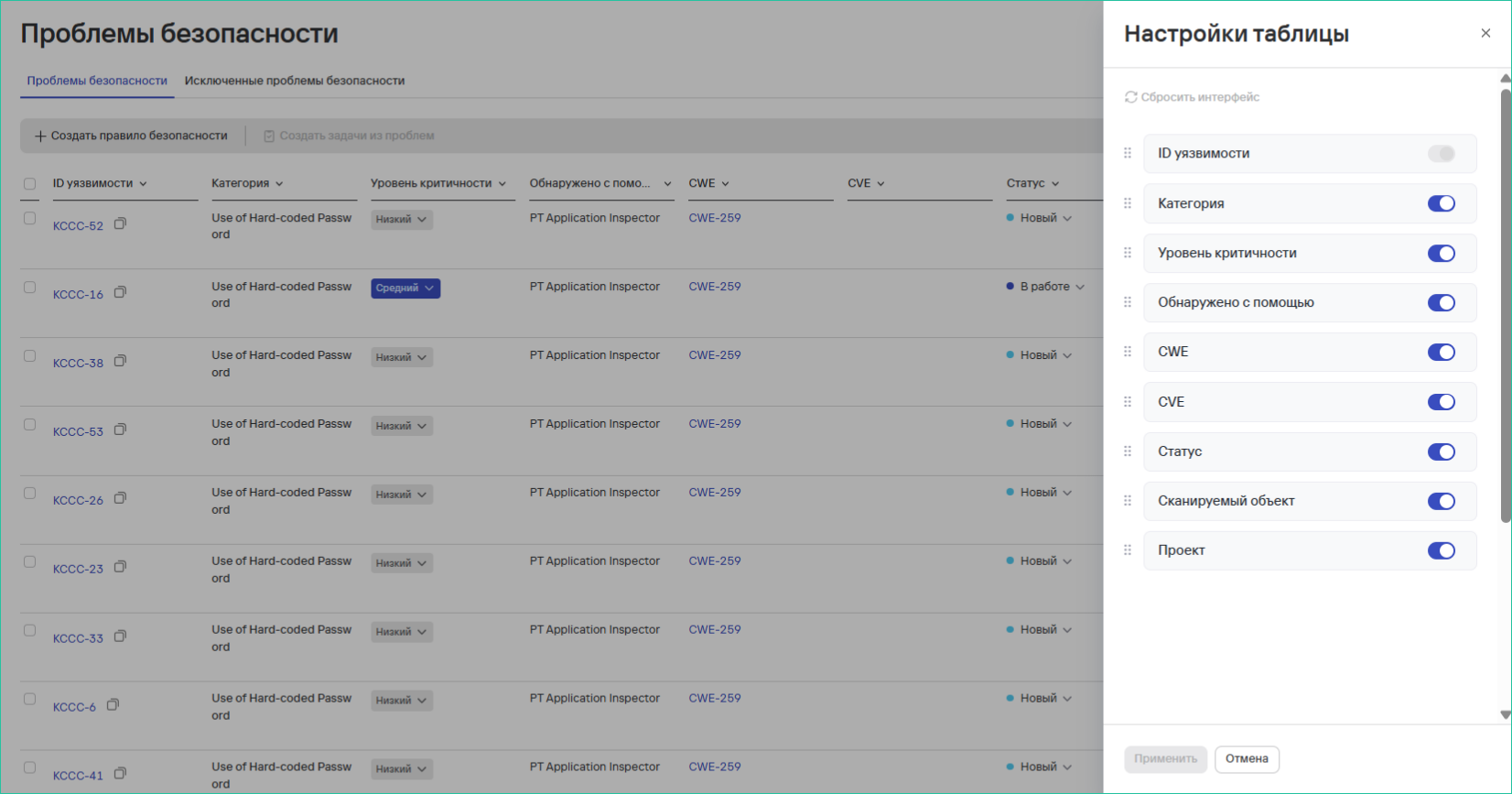
- The set of available fields depends on:
- The type of data being displayed
- The selected system section
Data Filtering
- Click the "Filter" icon

- In the right panel:
- Select filtering parameters
- Specify values for the filters
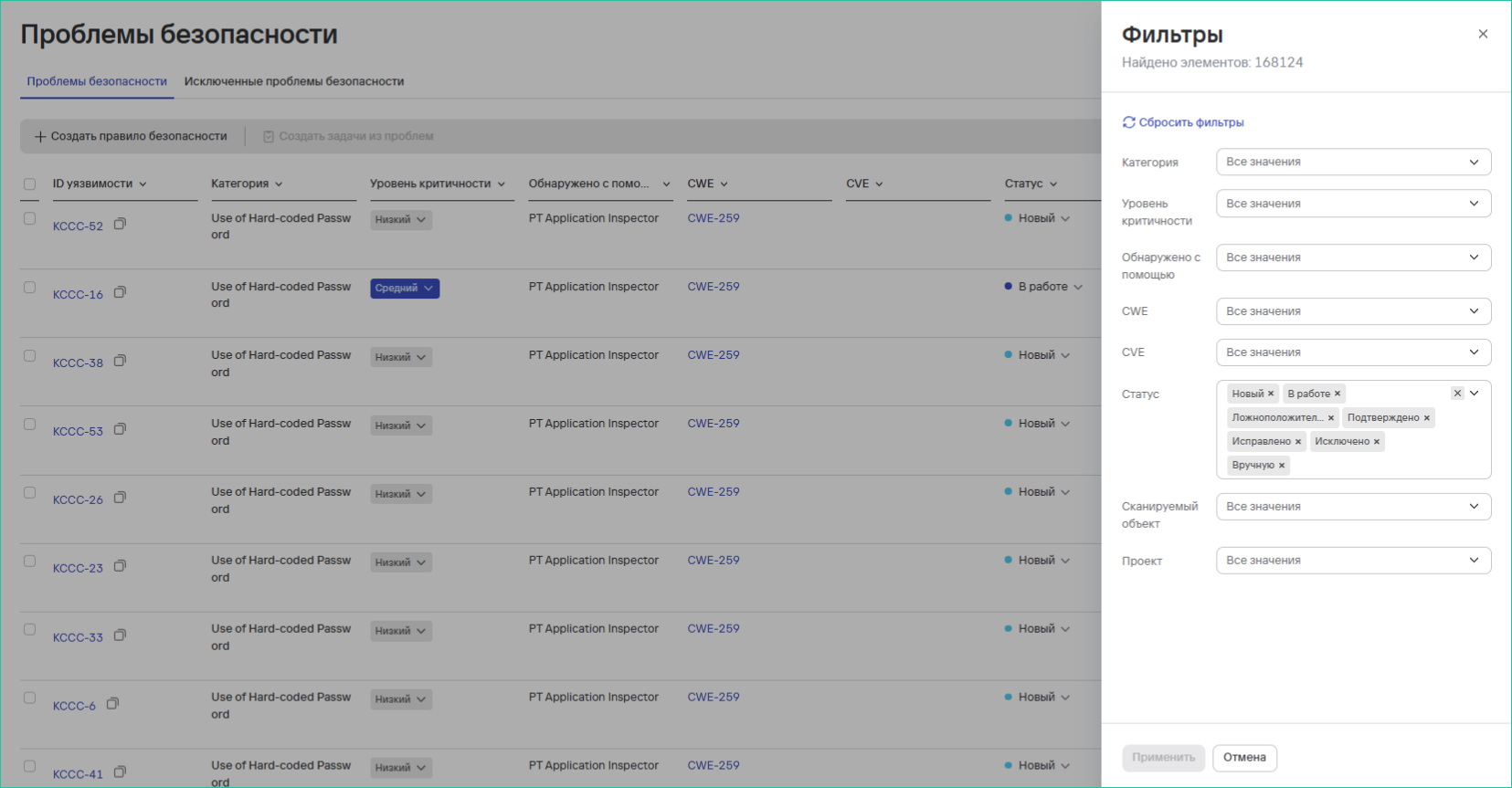
- Available filters depend on:
- The context of the current table
- The selected system section
Data Sorting
-
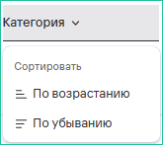
Click the header of the desired column
-
In the dropdown menu, select:
- Ascending (↑)
- Descending (↓)
-
To cancel sorting, click the header again
Usage Features
- All settings are saved for the current session
- You can combine filters, search, and sorting
- The interface adapts to the type of data being displayed