Creating and deleting security rules
Security rules are created based on the specified parameters. The set of parameters depends on the type of security issue.
Creating a security rule
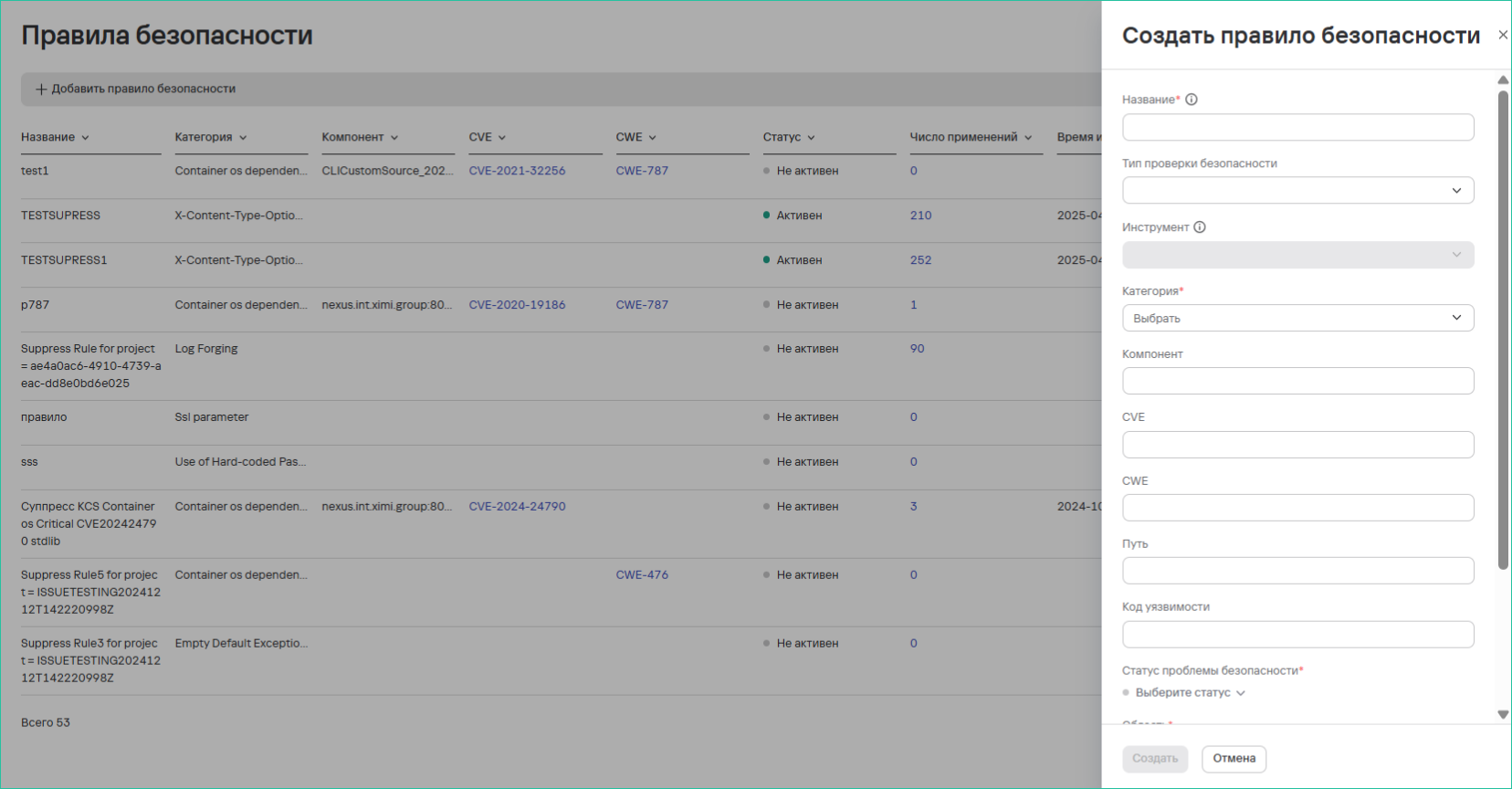
To create a security rule, follow these steps:
- Go to the Security rules section.
- Select Add rule.
- Enter the following information:
- Name;
- Security check type;
- Tool;
- Issue category;
- System component/path;
- CVE identifier;
- CWE code;
- File/directory path;
- Vulnerability code.
- Configure the additional parameters:
- Expiration time—a fixed date or never;
- Security issue status;
- Scope—select the projects where the rule will apply;
- Status after expiration.
- Select Create.
The rule applies to all new and existing issues that meet the criteria.
Deleting security rules
To delete one security rule, follow these steps:
- Go to the Security rules section.
- Select the additional actions button (
 ) next to the required security rule.
 - Select Delete.
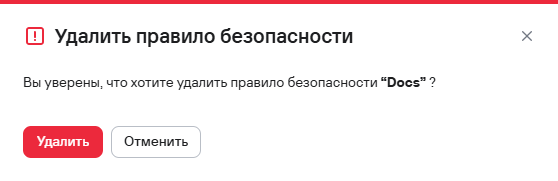
- In the modal that opens, confirm the deletion of the security rule.
To delete multiple security rules, follow these steps:
- Select the security rules using the checkboxes (
 )
) - Select the delete button (
 ) above the rules table.
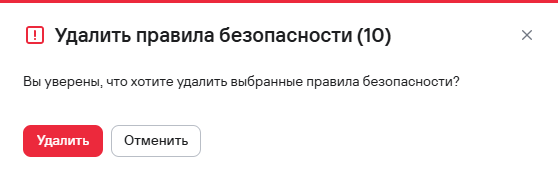
 - In the modal that opens, confirm the deletion of the security rules.