Creating a project
To create a new project, follow these steps:
- Go to the Projects section.
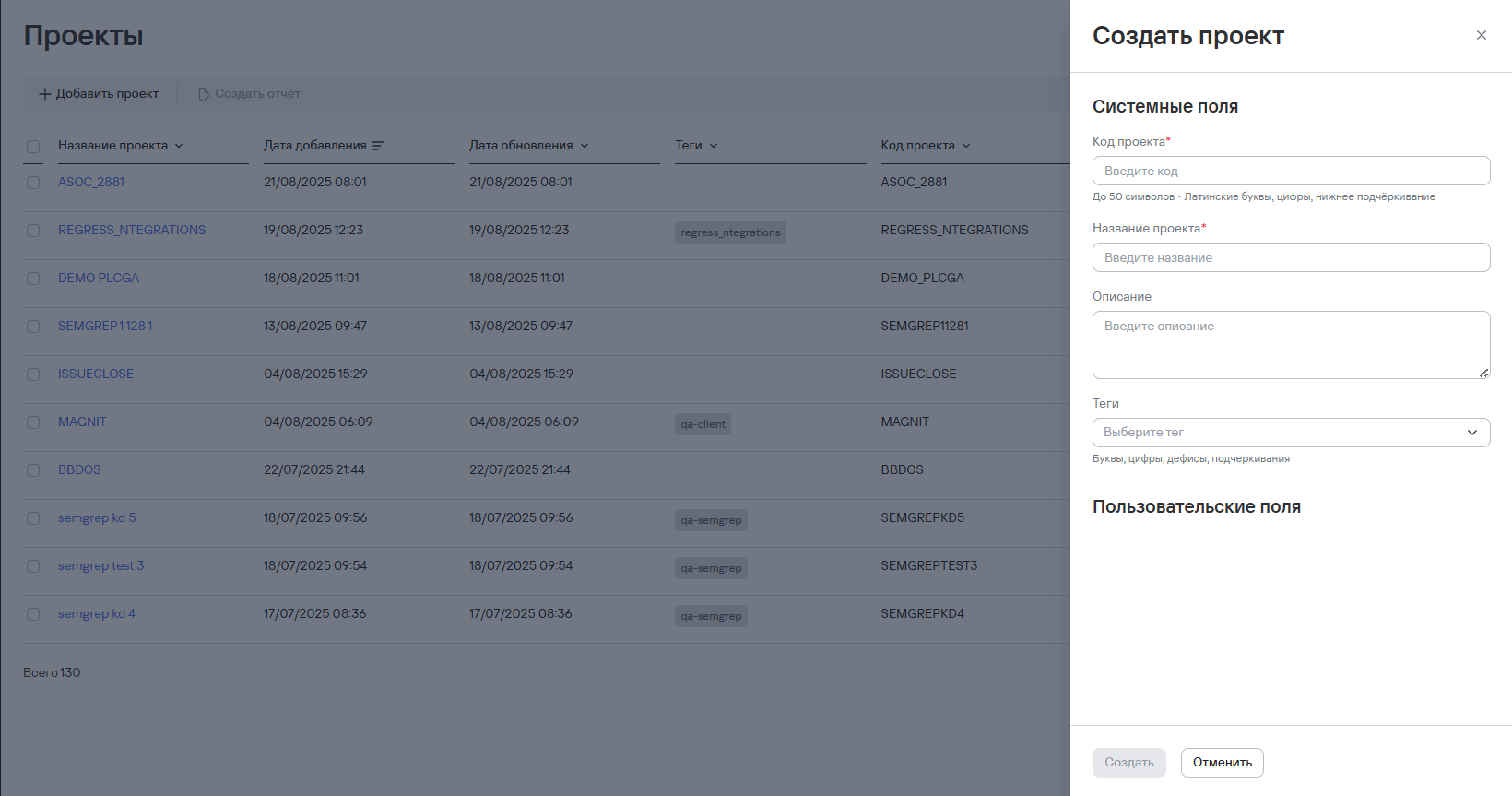
- Select Add project.
- Enter the following information:
- Project code;
- Project name;
- Project description;
- Project tags.
tip
Recommendations for filling out some fields are marked with the recommendation icon ( ).
For more information about configuring custom fields, see Field builder.
).
For more information about configuring custom fields, see Field builder.