Create an API token
An API token lets external systems and tools access TRON.ASOC on behalf of a user without interactive sign-in. You must use the token to automate Scans in CI/CD, export data to external systems (SIEM, GRC), work with the REST API, or connect AI agents through MCP.
To create an API token, follow these steps:
- Go to Account → Profile → API token.

- Select Add token.
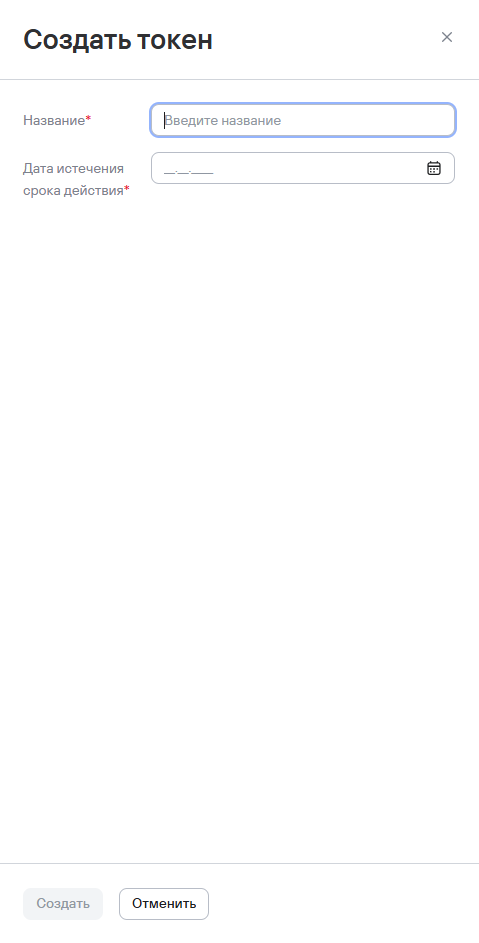
- Enter the following information:
- token name;
- token expiry date.
- Select Create.
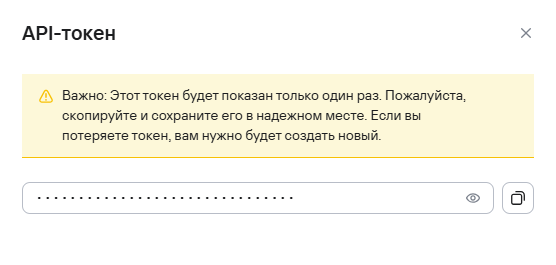
The system creates the new token and displays it in a new window. You can reveal the token or copy it to the clipboard.
danger
You can view and copy a created API token only once. If you lose the token, you'll need to create a new one.