Scan results comparison report
The system lets you compare scan results within a project layer and create comparison reports.
To create a scan results comparison report, follow these steps:
- Go to Projects → Project name → Security layers.
- Select the additional actions button (
 ) in the source row.
 - Select Compare scans.
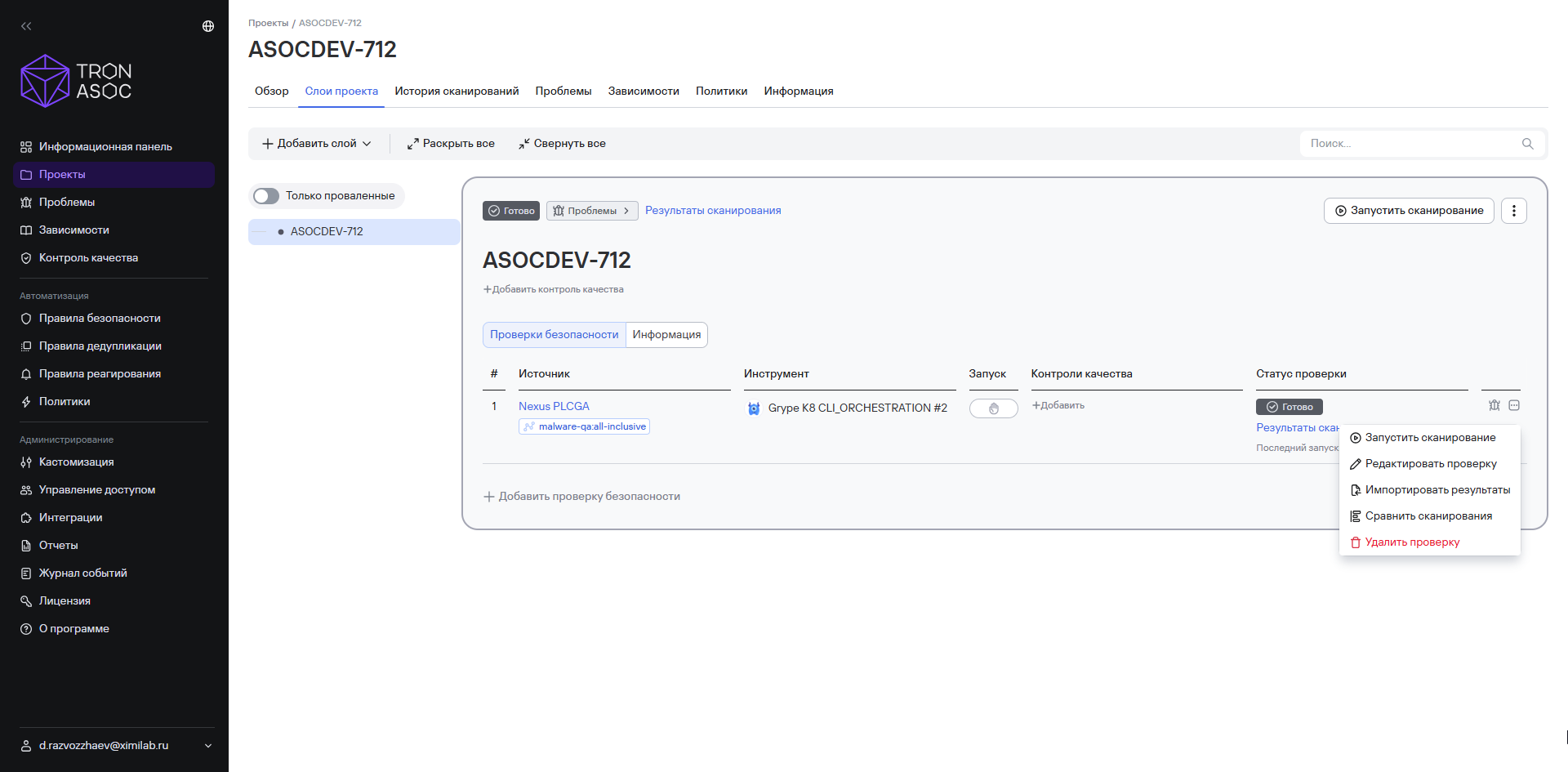
- Select the comparison option you need:
- compare each with the previous one—each scan will be compared with the previous scan;
- compare all with the selected one—each scan will be compared with the scan you select;
- compare 2 selected scans—the two scans you select will be compared with each other.
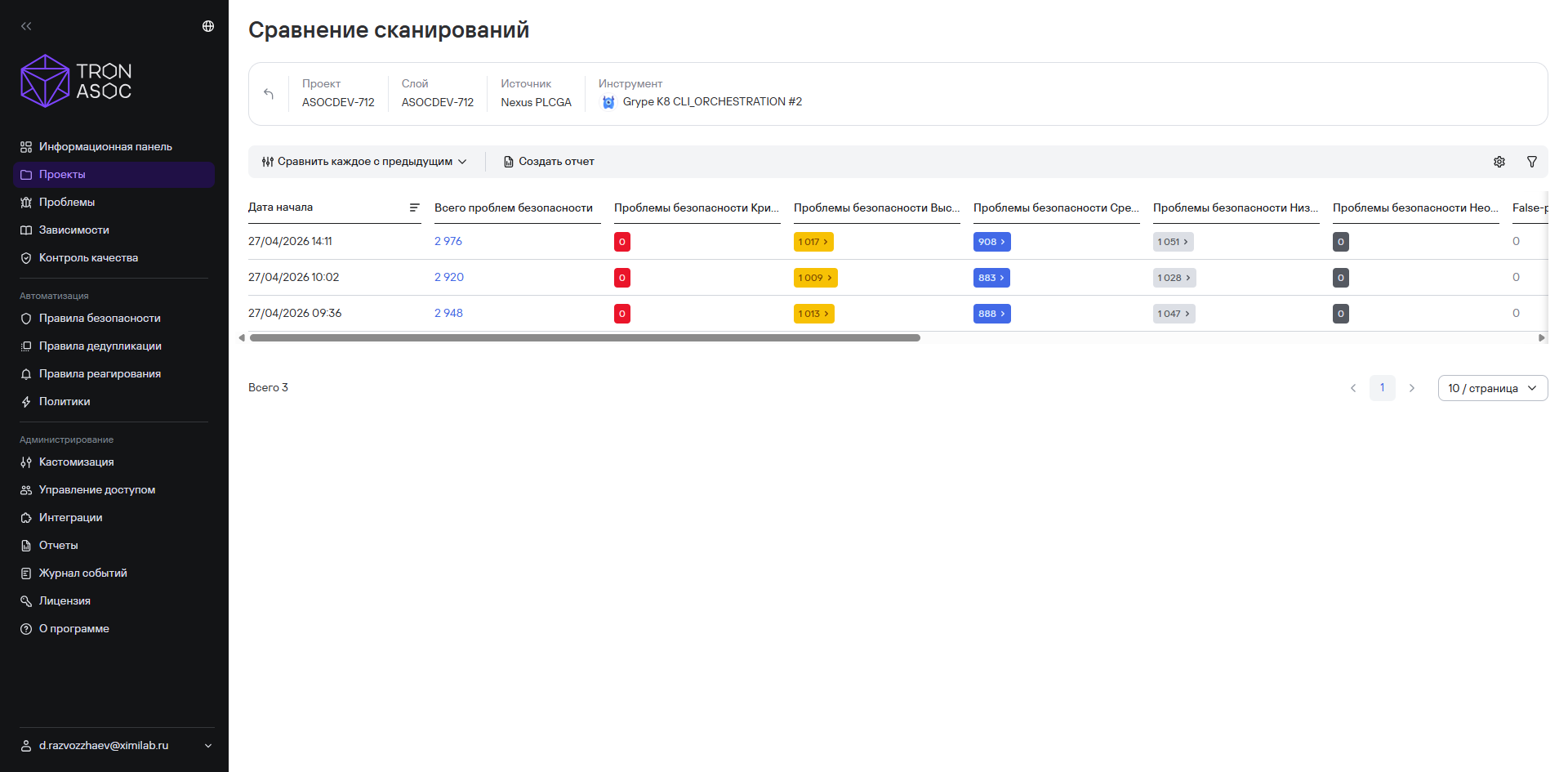
- Select Create report.
- In the window that opens, enter the report name.
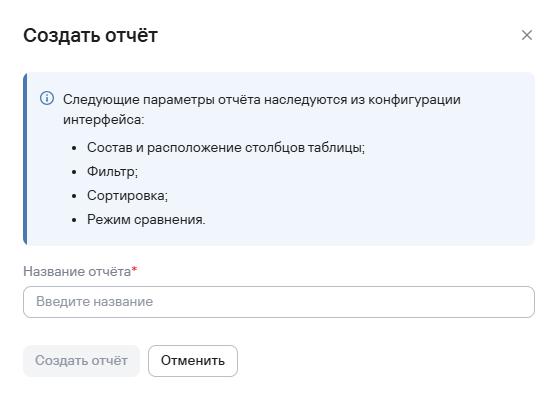
- Select Create report.
The scan comparison report will then be available for download in Reports → Scan comparison. Available formats include PDF, JSON, and CSV.