Admin authorization
To log in to the system, follow these steps:
- Go to the authorization page.
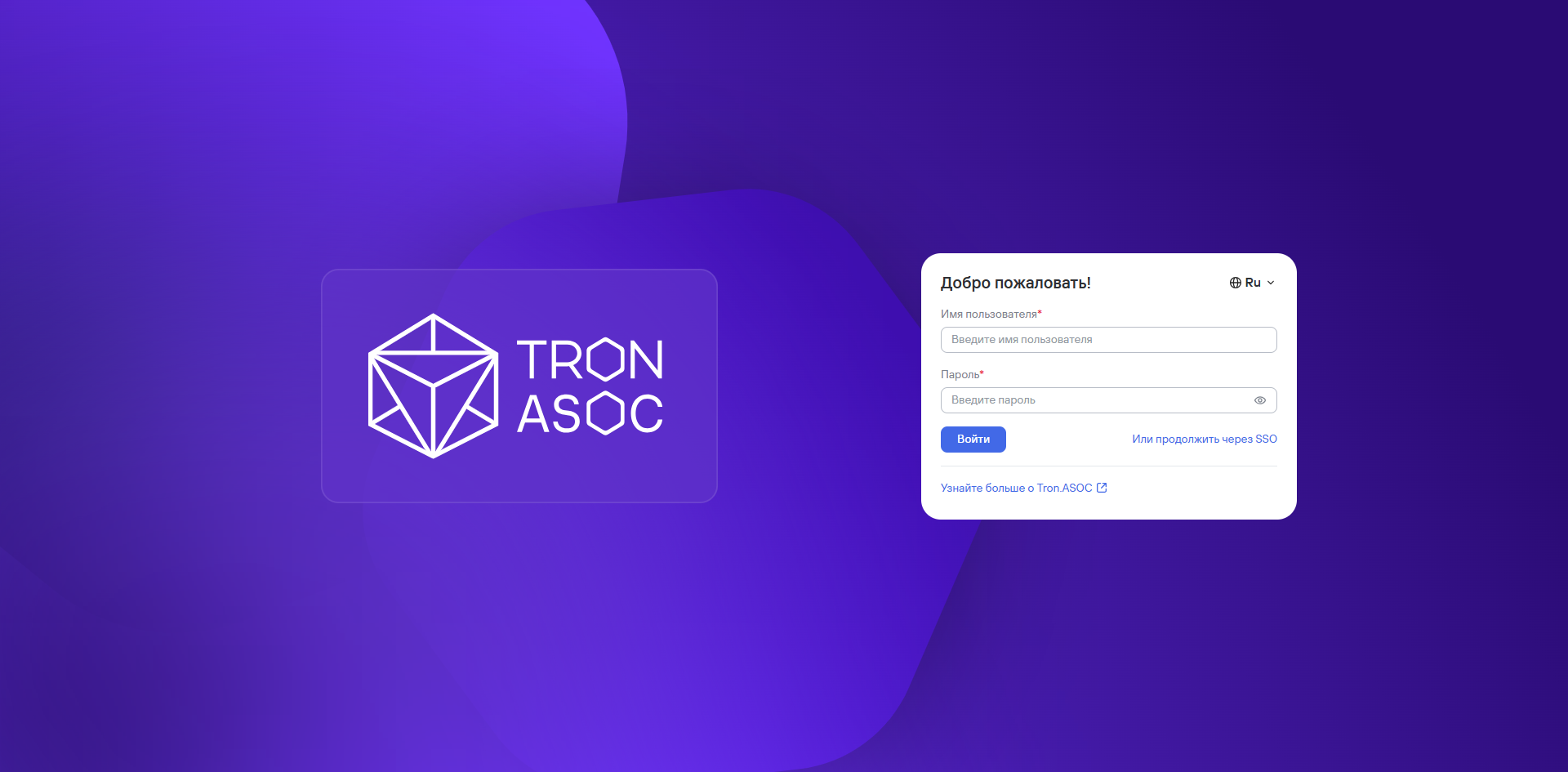
- Select the web interface language you need. Russian and English are available.

- Enter the administrator account Username and Password.
note
When you log in for the first time, use the following administrator account credentials:
- Username:
admin - Password:
admin
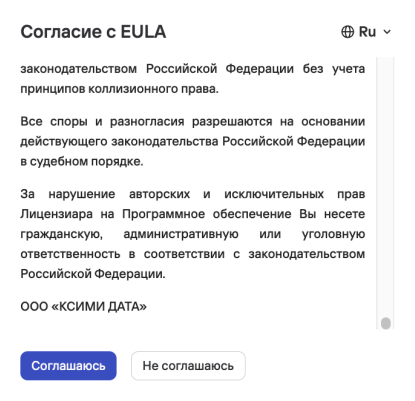
- Review the EULA terms and accept it by selecting EULA consent.
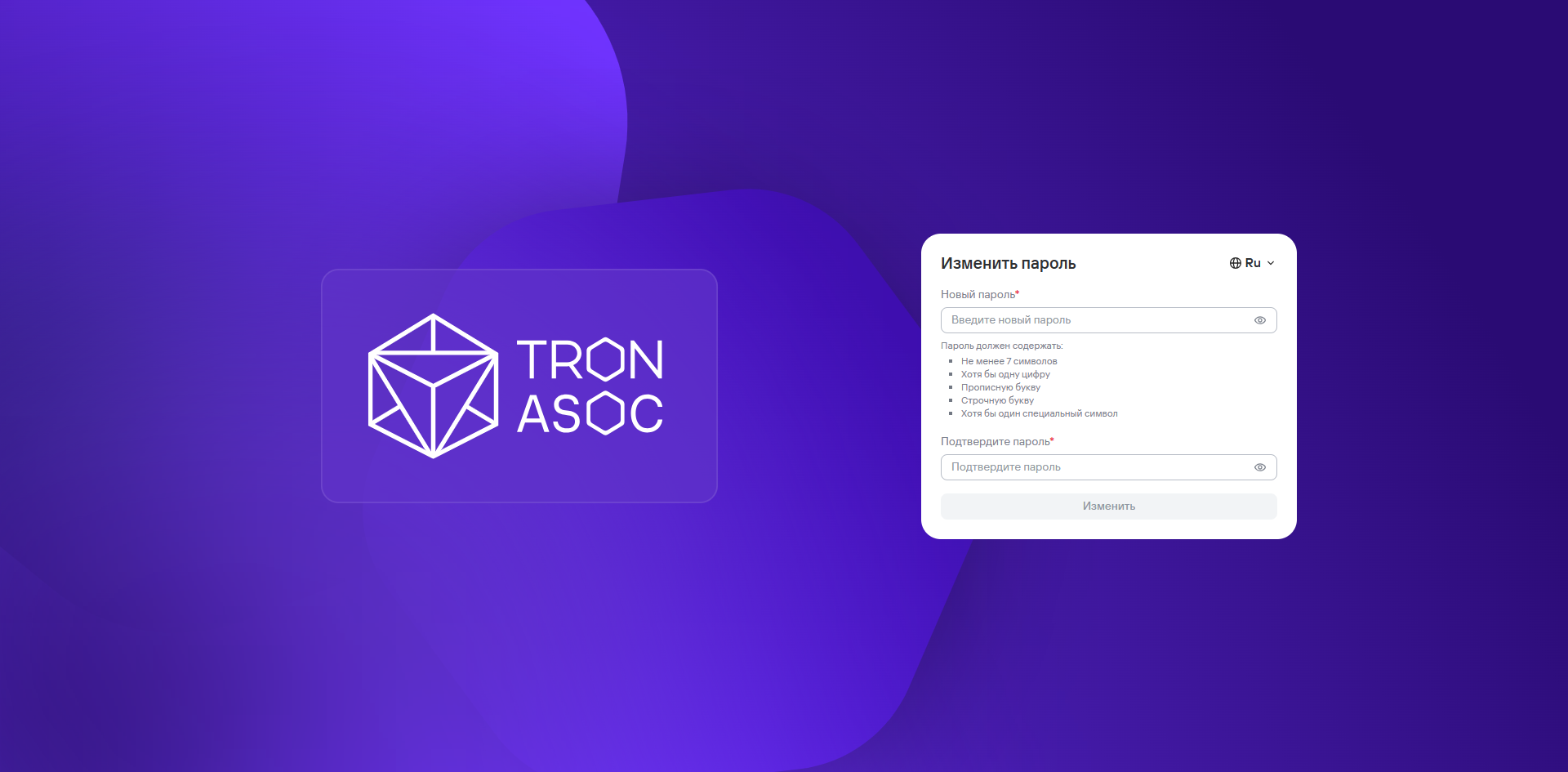
- Change the account password to meet the password requirements.
- Select Change.
- Select Login.
If authorization succeeds, the Information panel opens.
caution
If you have problems logging in for the first time, contact TRON.ASOC technical support.