Авторизация и начало работы в системе
Для начала работы в системе TRON.ASOC необходимо запросить доступ у администратора, который после настройки учетной записи предоставит ссылку для входа и первичные данные учетной записи. По ссылке осуществляется переход на страницу авторизации в системе. Для успешной авторизации необходимо выполнить следующие шаги:
- Перейти на страницу авторизации.
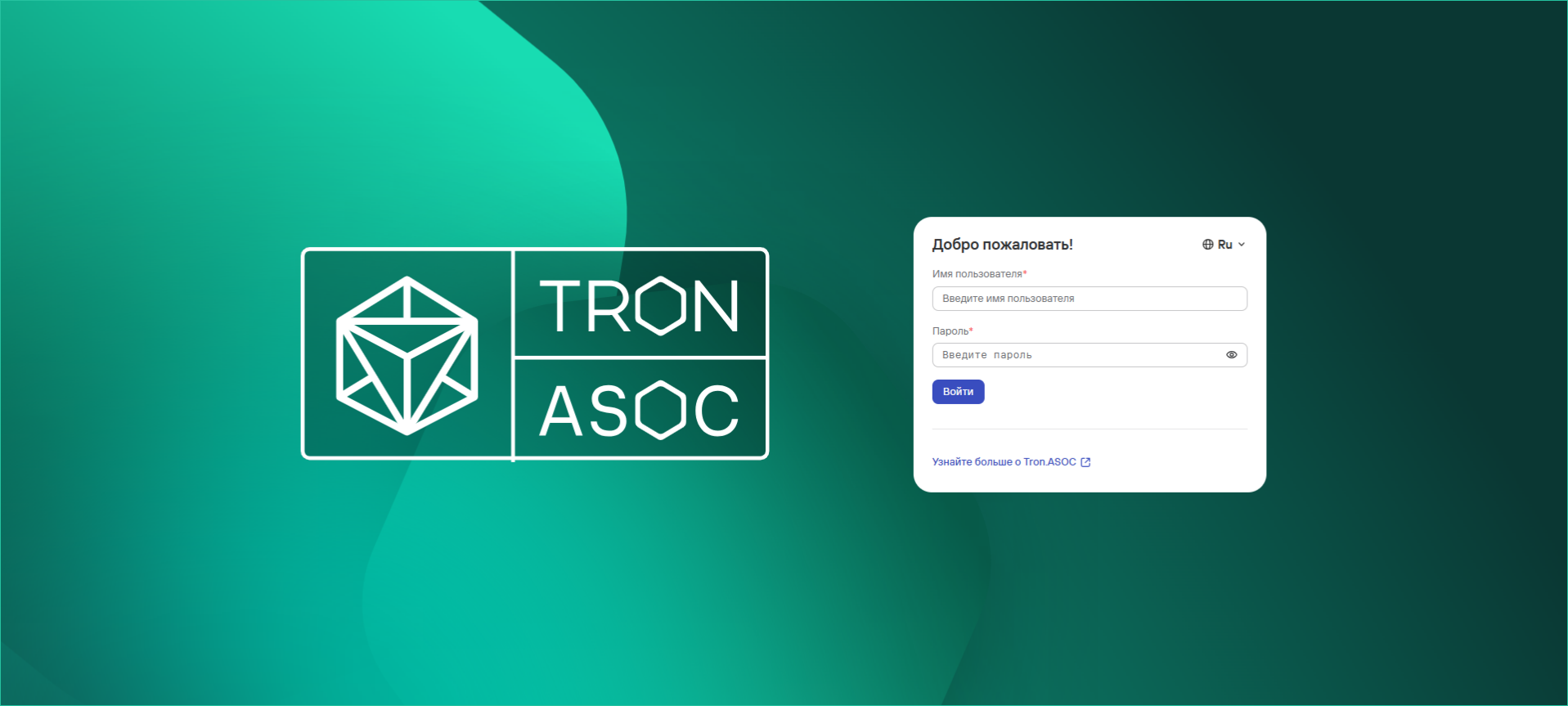
- При необходимости выбрать удобный язык веб-интерфейса с помощью кнопки (доступны русский и английский языки).
- Далее ввести Имя пользователя и Пароль от учетной записи.
- Нажать на кнопку Войти.
При первом входе, а также по запросу, потребуется изменить пароль к учетной записи, следуя указанным рекомендациям к новому паролю, и нажать на кнопку Изменить.
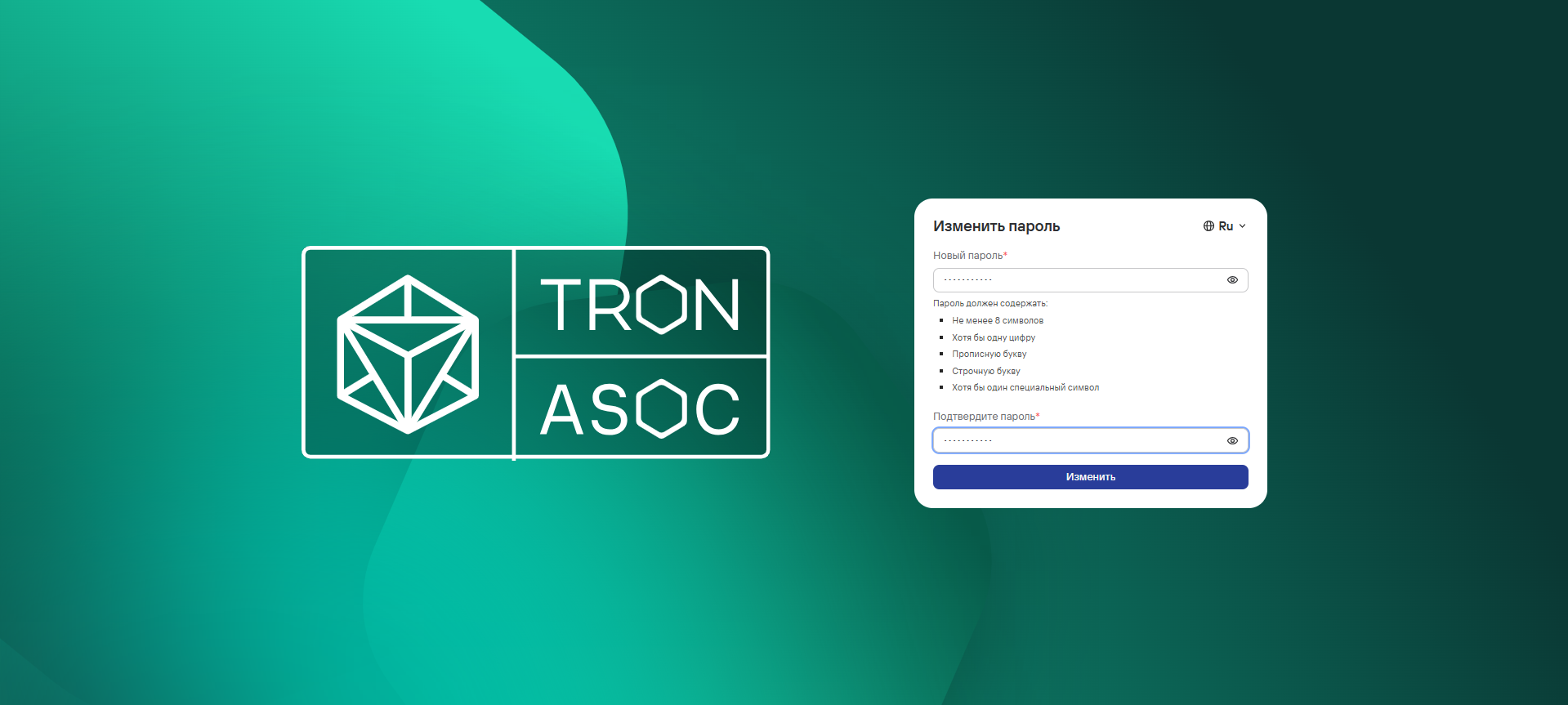
В случае успешной авторизации откроется Информационная панель.
В случае ввода неверных учетных данных на экране отобразится сообщение “Неверный логин и/или пароль”. При превышении числа попыток аутентификации с неверным паролем аккаунт будет временно заблокирован. Количество попыток аутентификации и продолжительность блокировки устанавливается администратором системы (по умолчанию лимит попыток входа — 3, срок блокировки — 1 минута). При возникновении других проблем с входом в систему, необходимо обратиться к администратору.
После успешной настройки системы со стороны администратора (созданы необходимые учетные записи, назначены роли и доступы пользователям, внесены требуемые изменения в настройки системы, подключены инструменты безопасности, источники сканирования, инструменты уведомлений, трекеры) пользователям для начала предлагается ознакомиться со сценарием быстрого старта и другими сценариями системы.