Administrator Authorization
To successfully authorize, follow these steps:
-
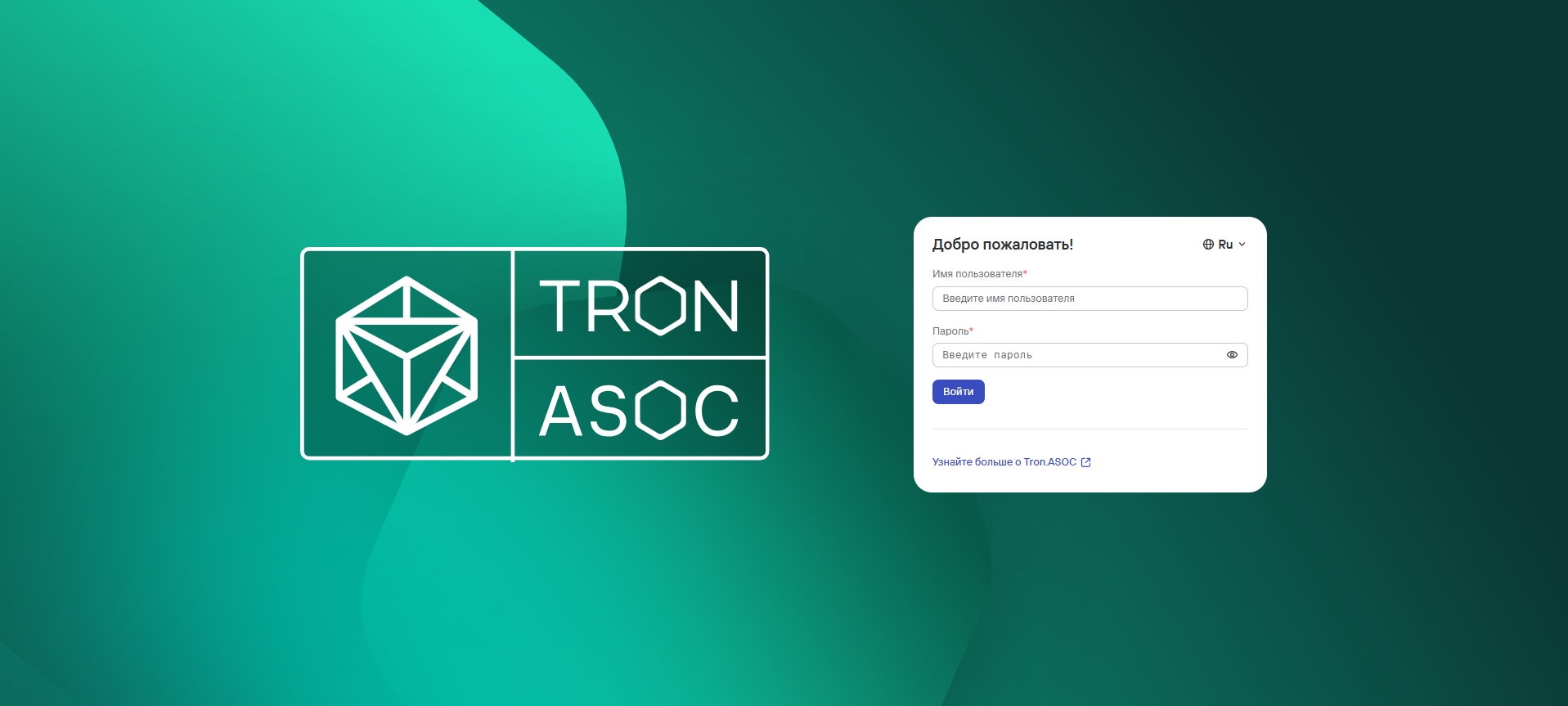
Navigate to the authorization page.
-
If necessary, select a convenient web interface language (Russian and English are available).

-
Enter the Username and Password for the administrator account.
noteDuring the first login to the system, use the following administrator account credentials:
- Username:
admin - Password:
admin
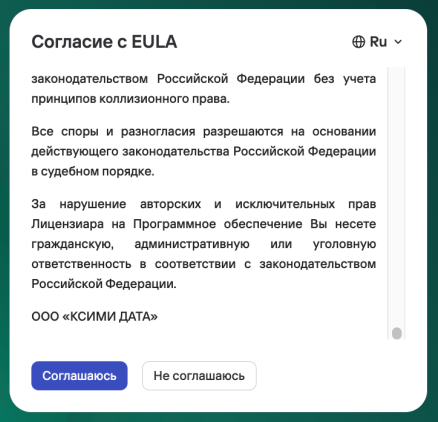
It is also necessary to review and accept the EULA Agreement.
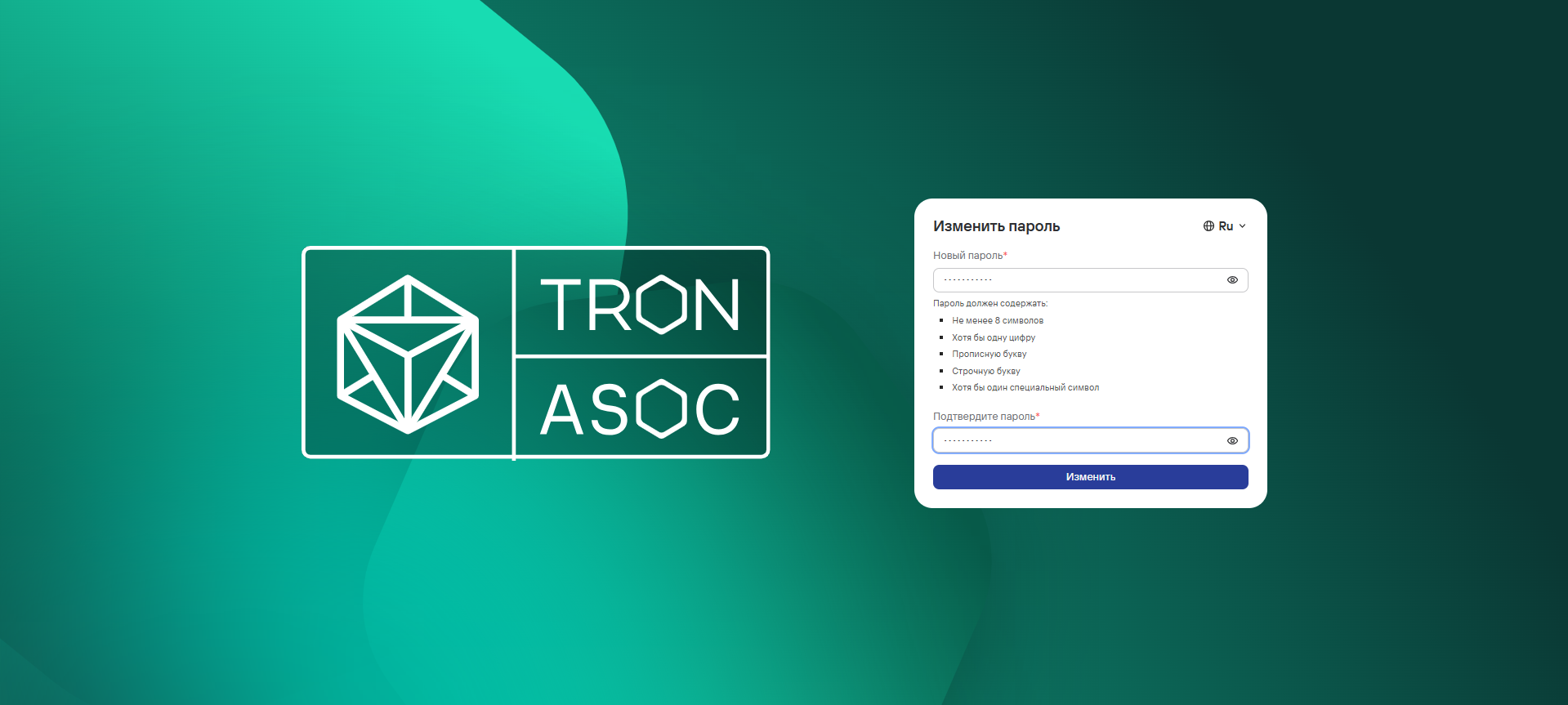
Next, you will be required to change the password for this account, following the specified requirements for the new password, and click the Change button.
- Username:
-
Then, click the Login button. Upon successful authorization, the Dashboard will open.
caution
If you encounter problems with the first login, please contact TRON.ASOC technical support.