User Authorization Rule Settings
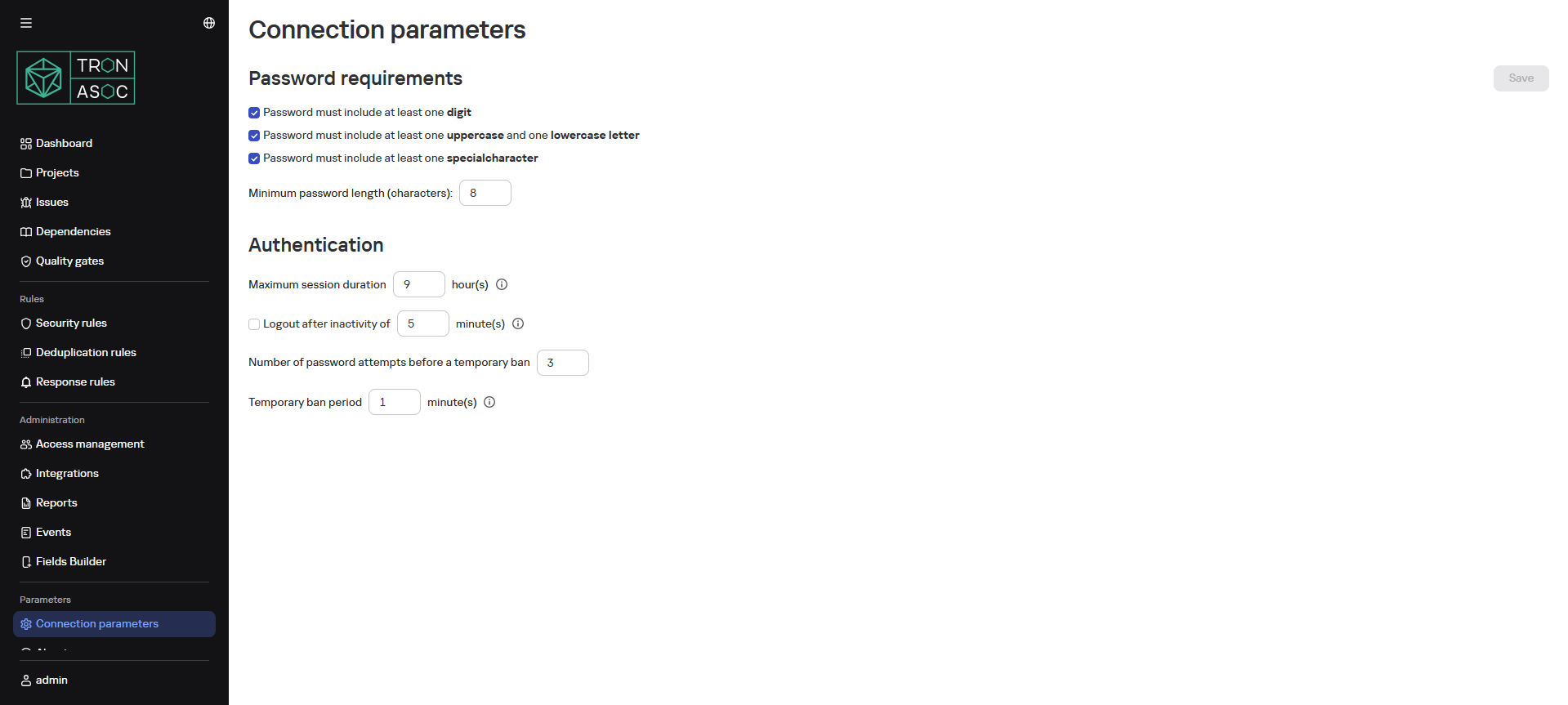
The Connection Settings tab provides the following capabilities:
- Configuring password requirement parameters
- Maximum session duration
- Logout time after inactivity period
- Number of password attempts before temporary lockout
- Temporary lockout duration
info
To configure connection settings, the administrator needs to select the required requirements and click the Save button. After this, all users will be forced to change their password during the next system authorization.