Authorization and getting started
To start working in TRON.ASOC, request the following information from your administrator:
- the link to log in to the system;
- your account Username and Password.
To log in to the system, follow these steps:
- Go to the Authorization page.
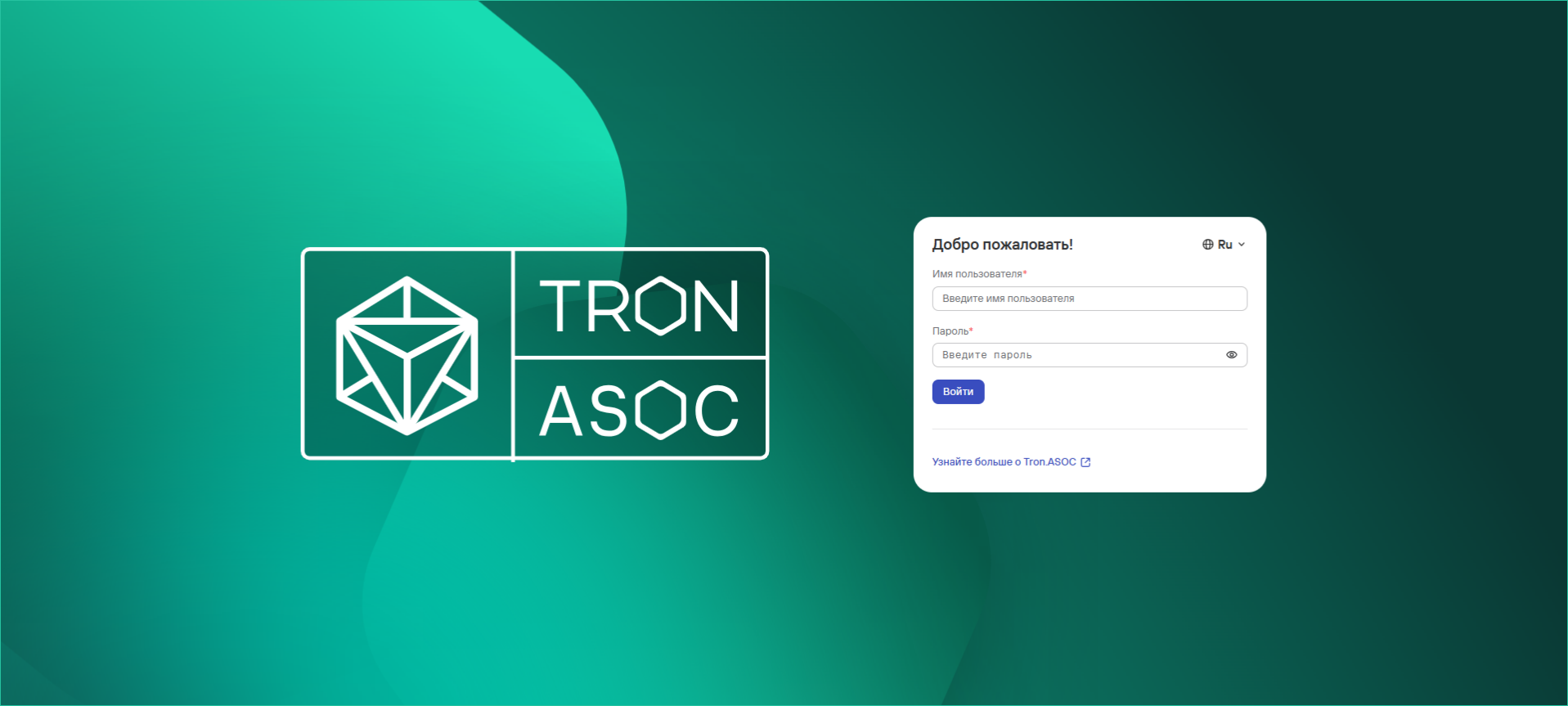
- If needed, select the web interface language using the
 button. Russian and English are available.
 - Enter the Username and Password for your account.
- Select Login.
When you log in for the first time, you must change your account password. The new password must meet the password requirements.
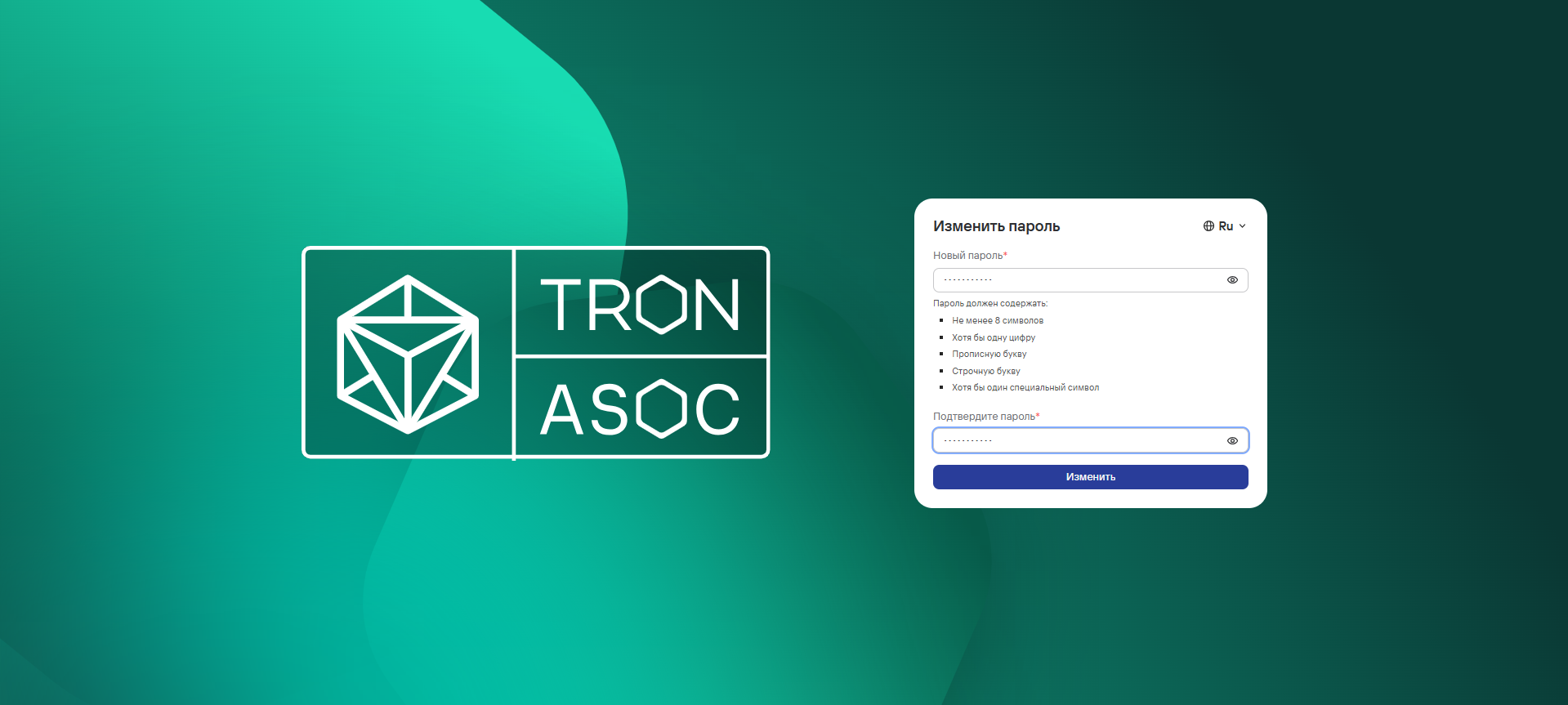
After you change your password, select Change.
If authorization succeeds, the Information panel opens.
If you enter incorrect credentials, the screen displays the “Incorrect login and/or password” message. If you exceed the number of login attempts with an incorrect password, the system temporarily locks your account.
The system administrator sets the number of login attempts and the lockout duration. (The default number of attempts is 3, and the default lockout duration is 1 minute.)
If you have trouble logging in, contact your system administrator.