Authorization with SSO
To log in with SSO, follow these steps:
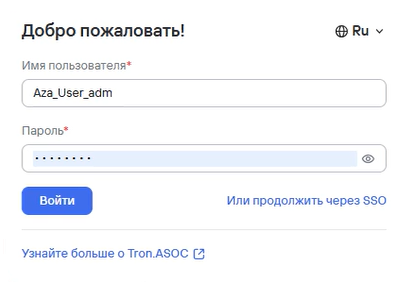
- On the Authorization page, select Or continue with SSO.
You'll be redirected to the SSO service's Authorization page—for example, Identity Blitz or Keycloak.
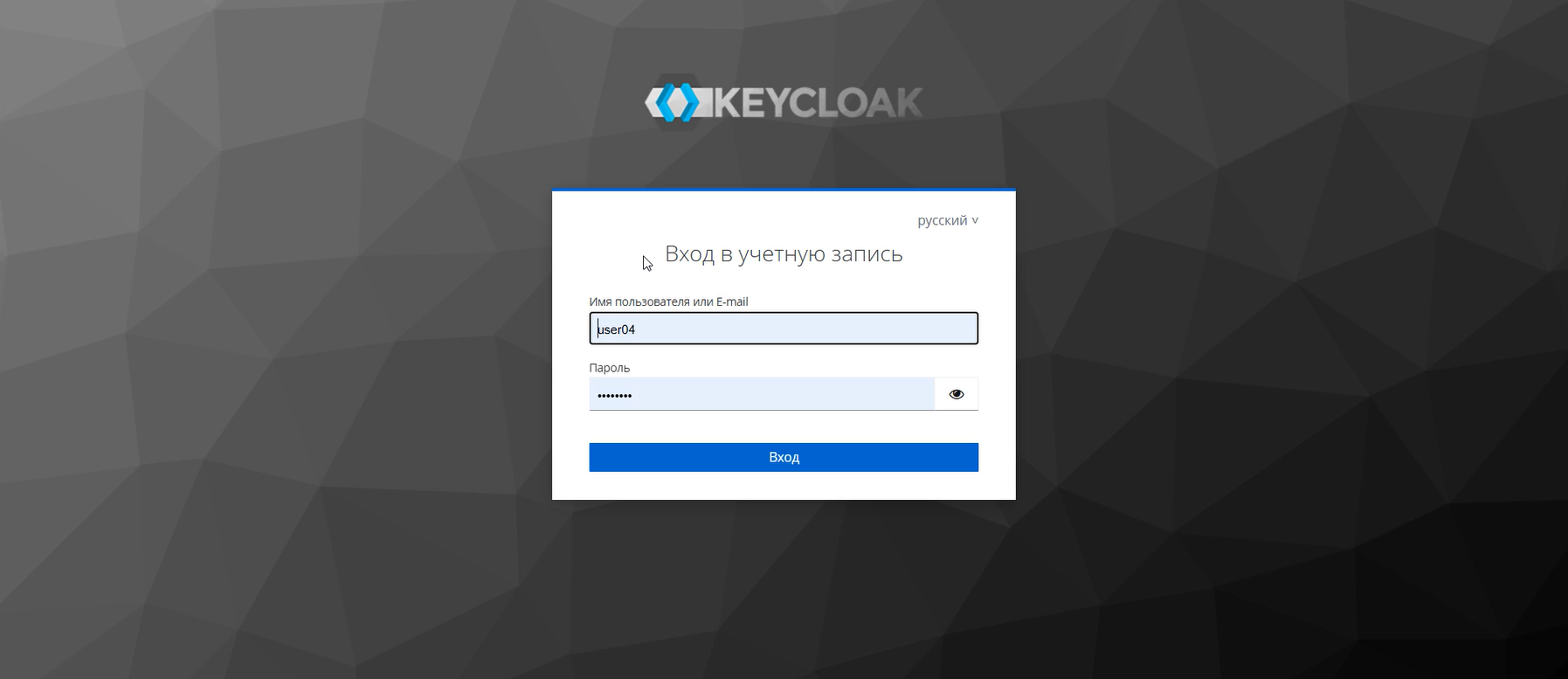
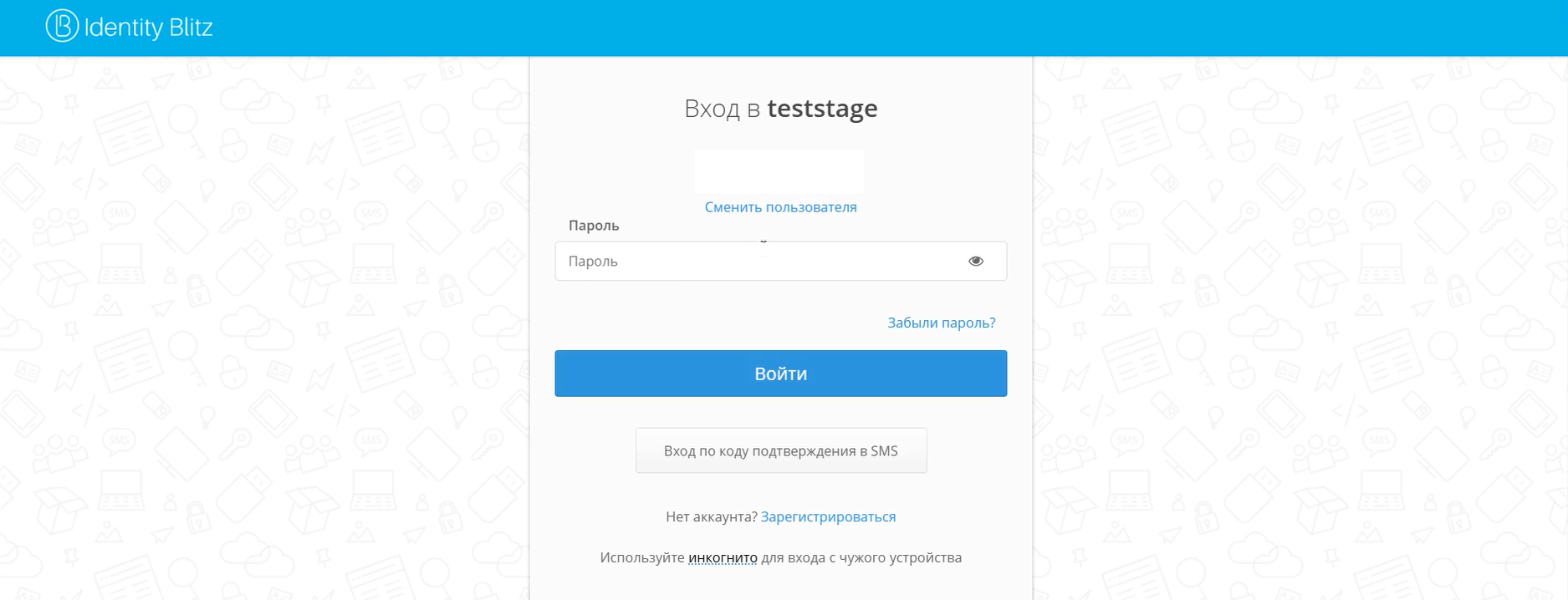
- Enter your service credentials.
- Select Login/Sign in.
After you log in successfully, the Information panel opens.
If you have trouble connecting to SSO, contact TRON.ASOC support or use emergency system access recovery. For more information about emergency recovery, see the Emergency login section.