Scan sources
You can add scan sources for later use in projects.
Connect a scan source
To connect a scan source, follow these steps:
- Go to Integrations → Scan sources.
- Select Add scan source.
- In the form that opens, enter the scan source details:
- Name;
- Description.
- Select a scan source from the Source dropdown.
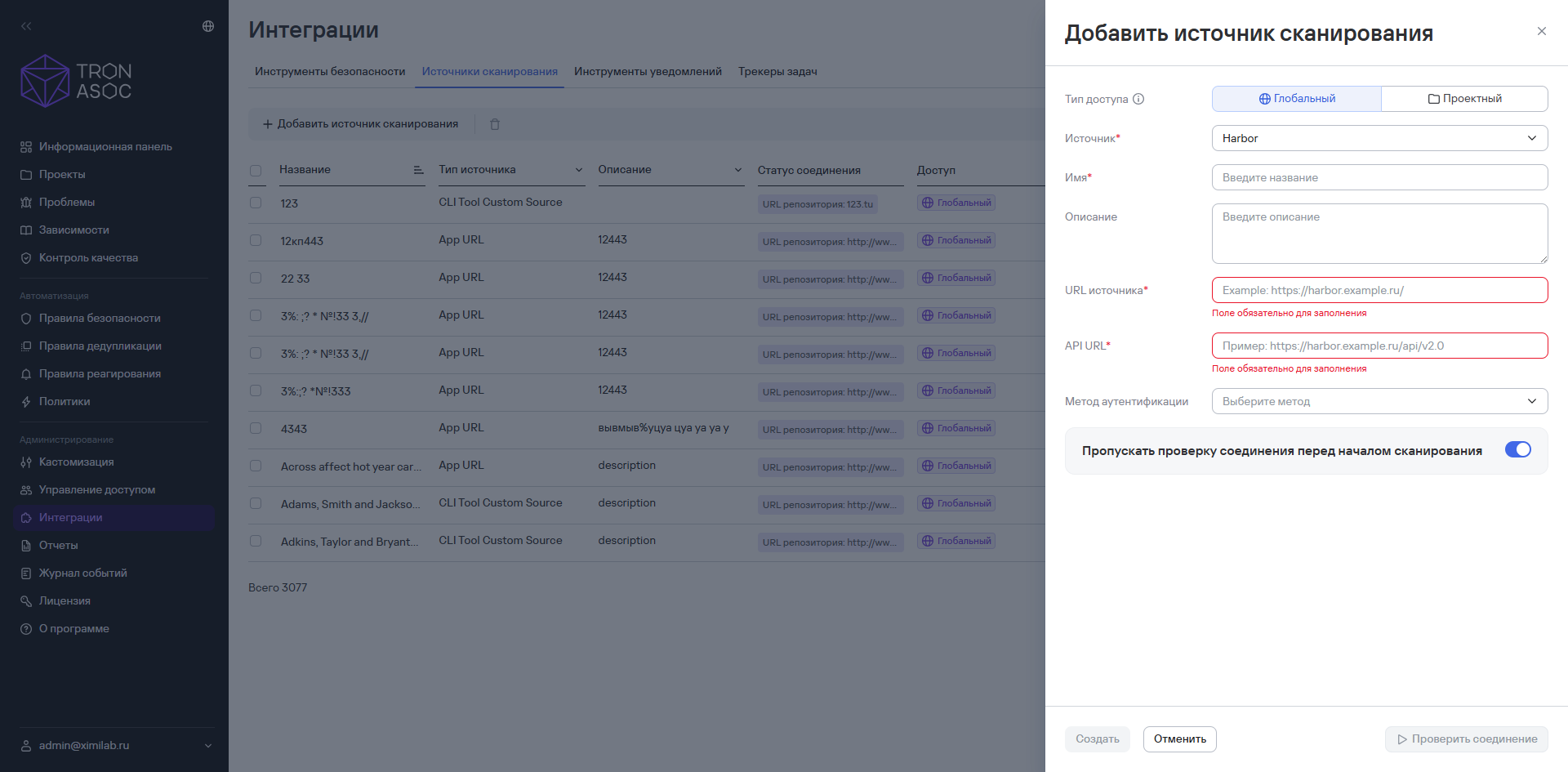
- After you select a source, enter the additional details:
- Source URL;
- Authentication method—this field is optional, but you can't test the connection to the source without it;
- Skip connection check—when you select this option, the system won't check the connection to the source before scanning starts. Use this option when network access to the sources isn't available.
info
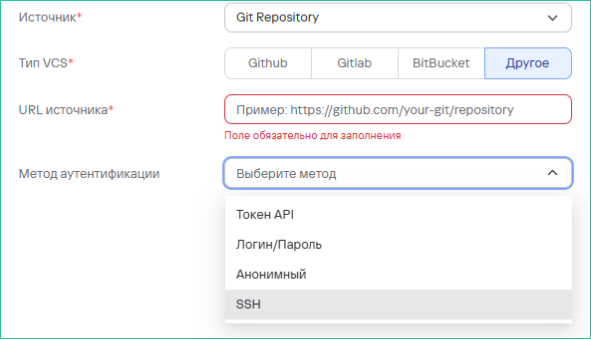
The Git Repository source supports several authentication methods:
- API token;
- Login/Password;
- Anonymous;
- SSH (a secure SSH key-based authentication method; all SSH keys are supported except passphrases).
- To test the connection, select Test connection.
info
You can test the connection only if you've entered valid authentication details in the security tool. If the details are correct, the connection test succeeds. If the connection fails, check the details you entered and try again.
- Select Create.
Edit a scan source
To edit a scan source, follow these steps:
- Select the edit button (
 ) in the scan source row.
 - Make your changes.
- Select Save.
Delete scan sources
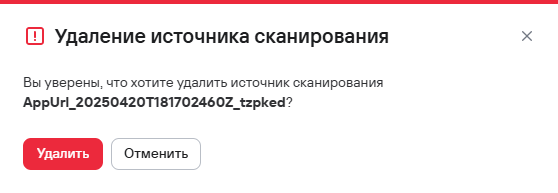
To delete one scan source, follow these steps:
- Select the delete button (
 ) in the row of the scan source you want to delete.
 - In the window that opens, confirm that you want to delete the scan source.
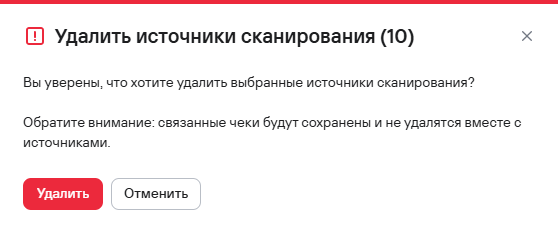
To delete multiple scan sources, follow these steps:
- Select the scan sources using the checkboxes (
 )
) - Select the delete button () above the scan sources table.
- In the modal window that opens, confirm that you want to delete the scan sources.