Notification Tools
The Notification Tools subsection allows you to configure integration for vulnerability notifications, for example, via email.
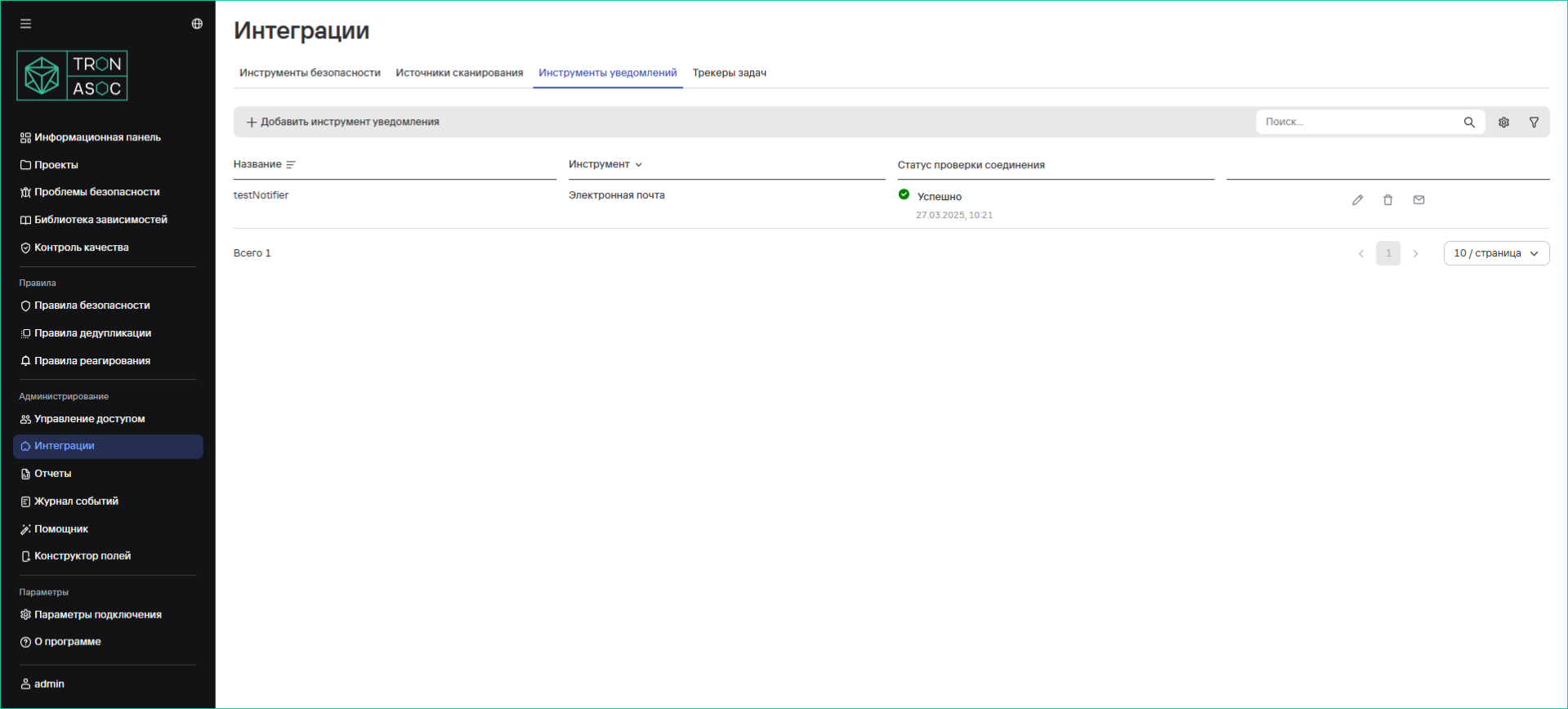
Creating a Notification Tool
To create a notification tool, follow these steps:
- Navigate to the Integrations section and select the Notification Tools tab
- Click the Add Notification Tool button
- In the opened window, fill in the fields:
- Name
- Tool (select "Email")
- SMTP Server
- Port
- Username
- Password
- Sender
- Recipients (add specific email addresses if necessary)
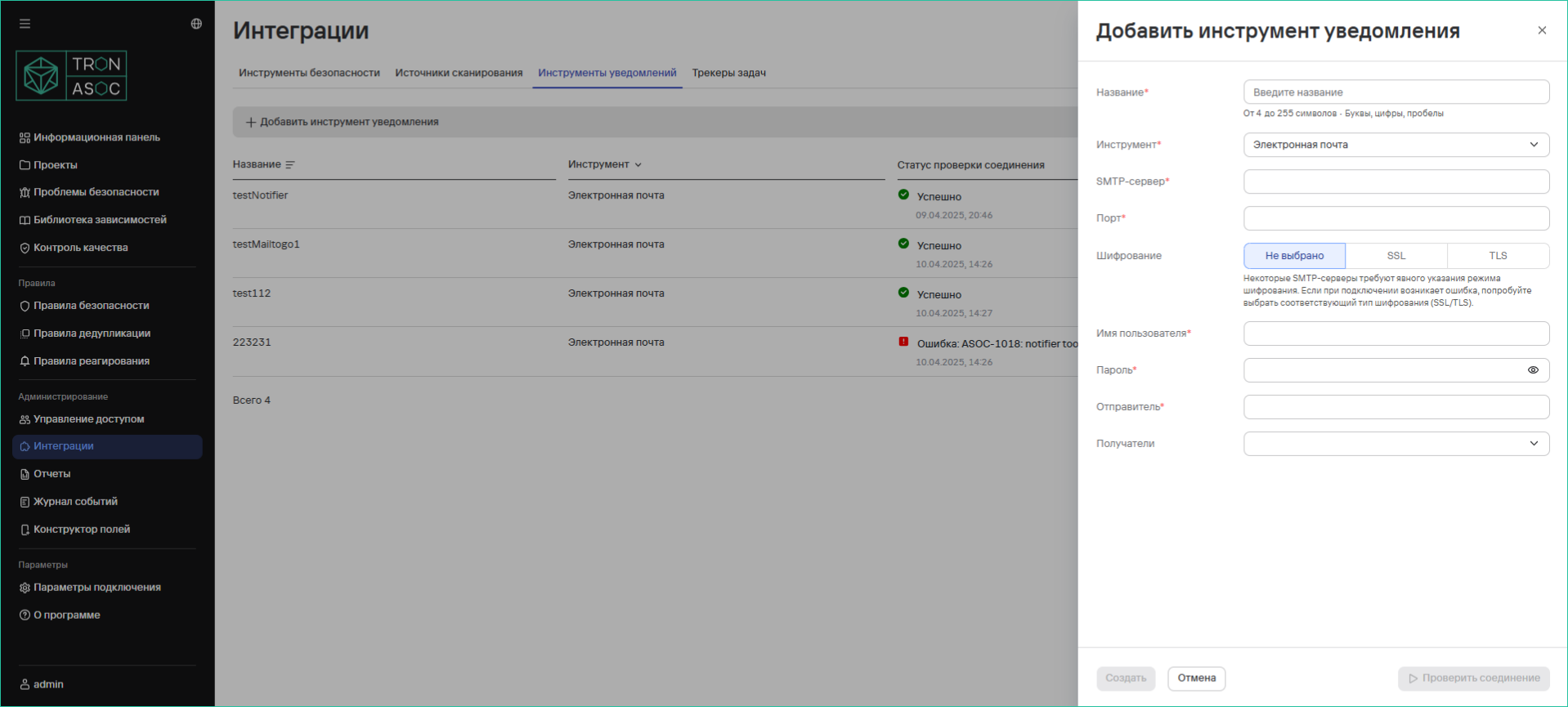
- Additionally, if necessary:
- Test the connection using the Test Connection button
- If an error occurs during connection, select the appropriate encryption type (SSL/TLS)
- Click the Create button