Actions with deduplication rules
Create a new deduplication rule
To create a new deduplication rule, follow these steps:
- Go to the Deduplication rules section.
- Select Add deduplication rule.
- In the form that opens, specify the Deduplication method and additional parameters.
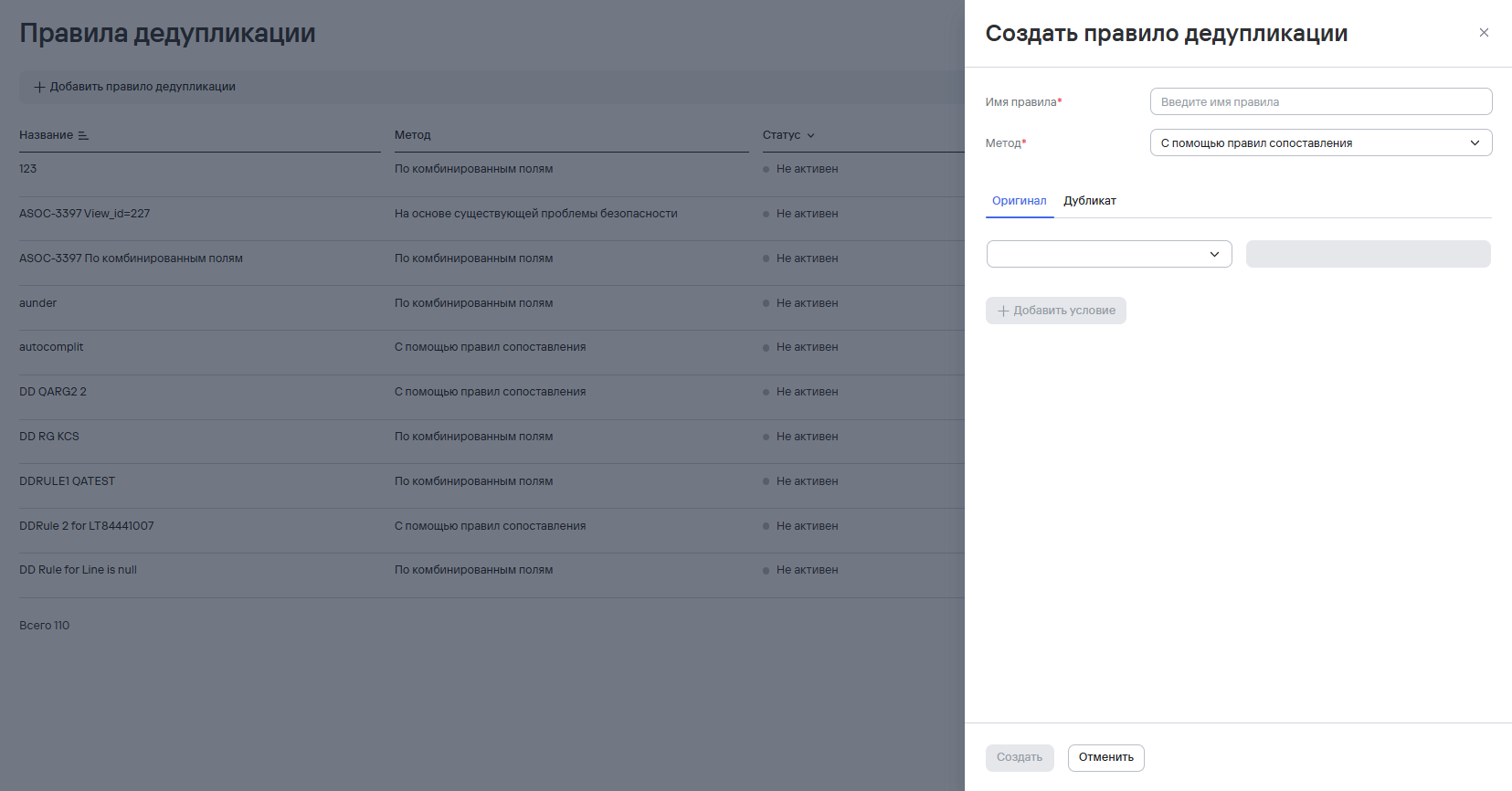
- Select Create.
The new rule applies to both new and existing records.
Delete deduplication rules
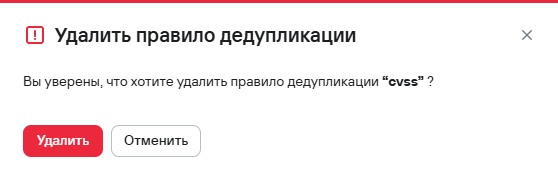
To delete one deduplication rule, follow these steps:
- Select the additional actions button (
 ) next to the required deduplication rule.
 - Select Delete.
- In the modal window that opens, confirm the deletion of the deduplication rule.
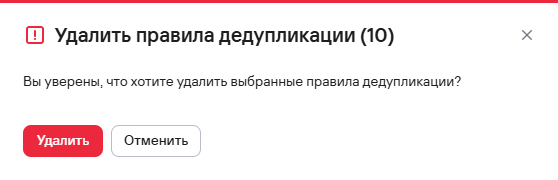
To delete multiple deduplication rules, follow these steps:
- Select the security rules using the checkboxes (
 ).
). - Select the delete button (
 ) above the rules table.
 - In the modal window that opens, confirm the deletion of the deduplication rules.
Find duplicate security issues
To find duplicate security issues, follow these steps:
- Go to the Issues section.
- Open the security issue that the deduplication may apply to.
- From the Actions dropdown list, select Find and deduplicate similar issues.
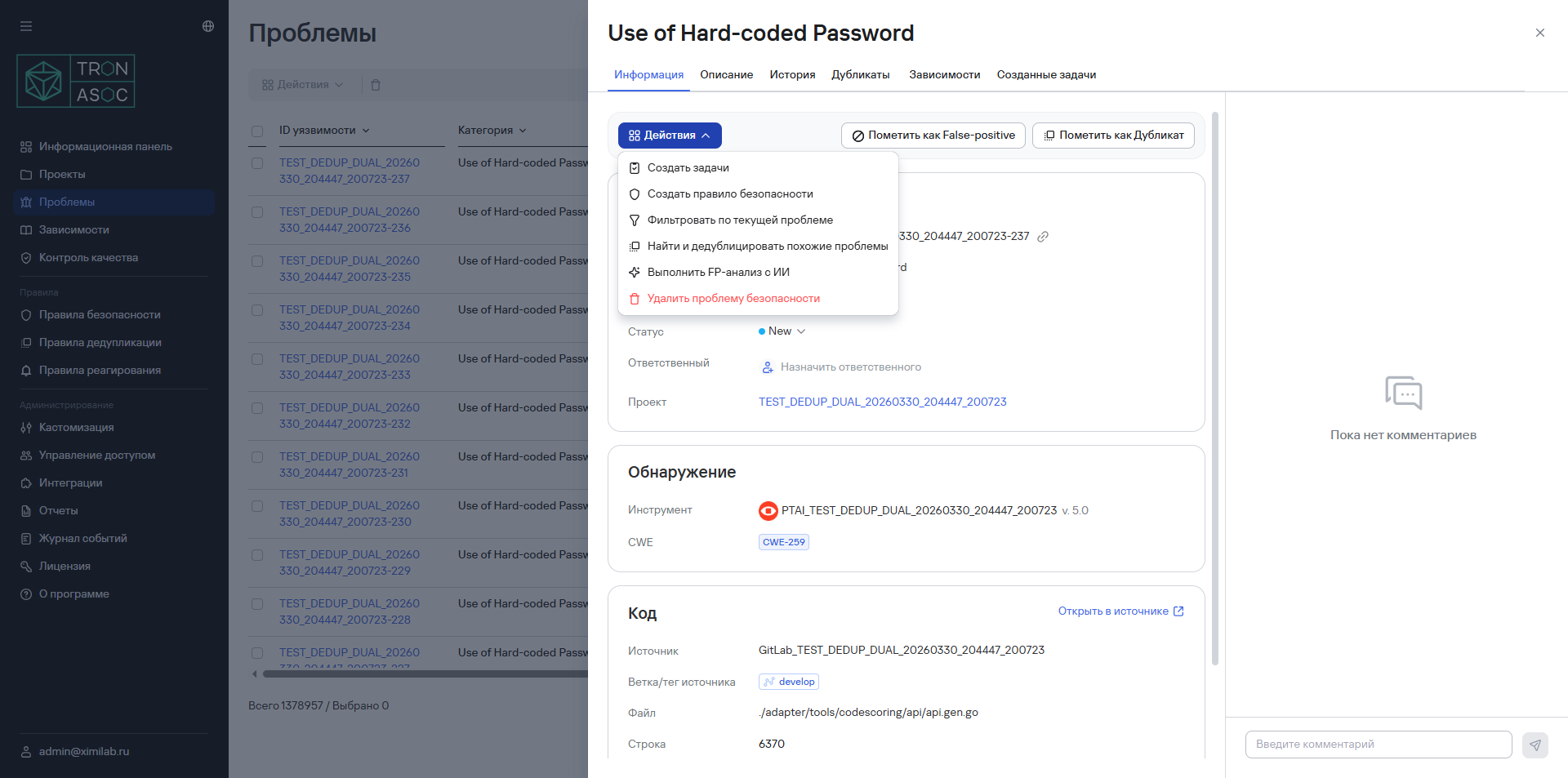
- In the window that opens, set the required filters.
- Select Continue.
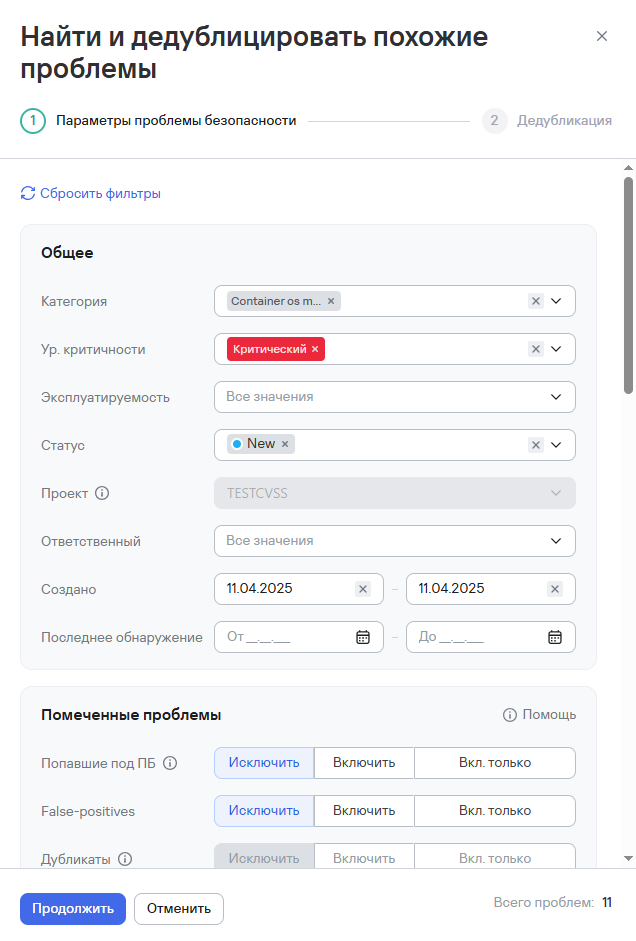
- Select the vulnerabilities from the list in the new window on the right.
- Select Mark as duplicate.
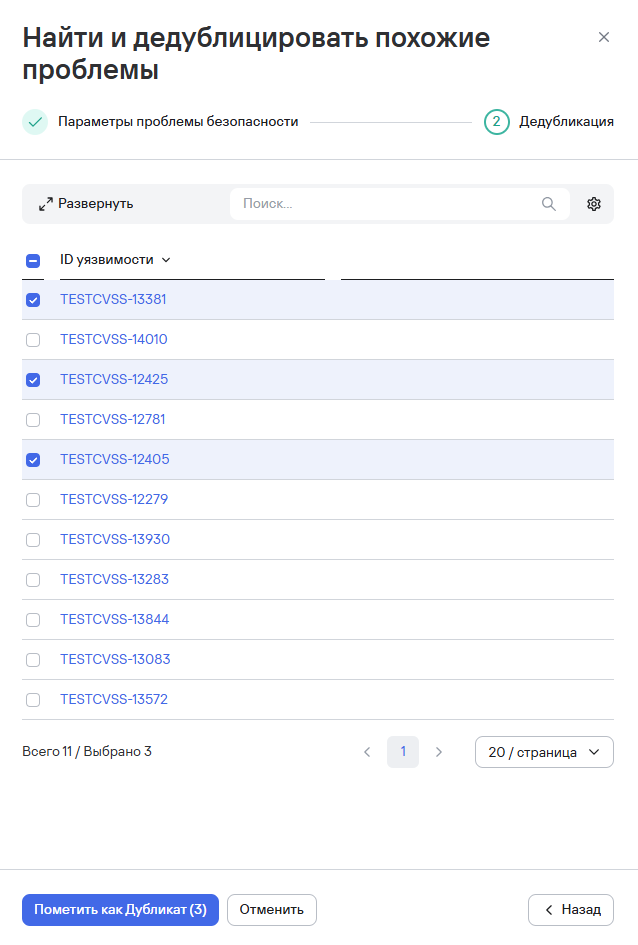
The issues are marked as duplicates and linked to the new issue. The system interface then displays a deduplication notification.