The “Profile” section
The Profile section is available when you select the system user's email address in the lower-left corner of the interface.
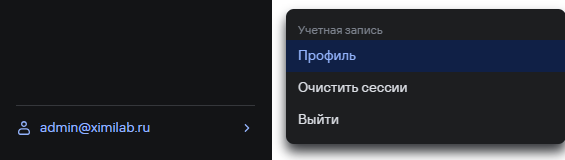
The section contains the following subsections:
- the Information subsection;
- the API token subsection.
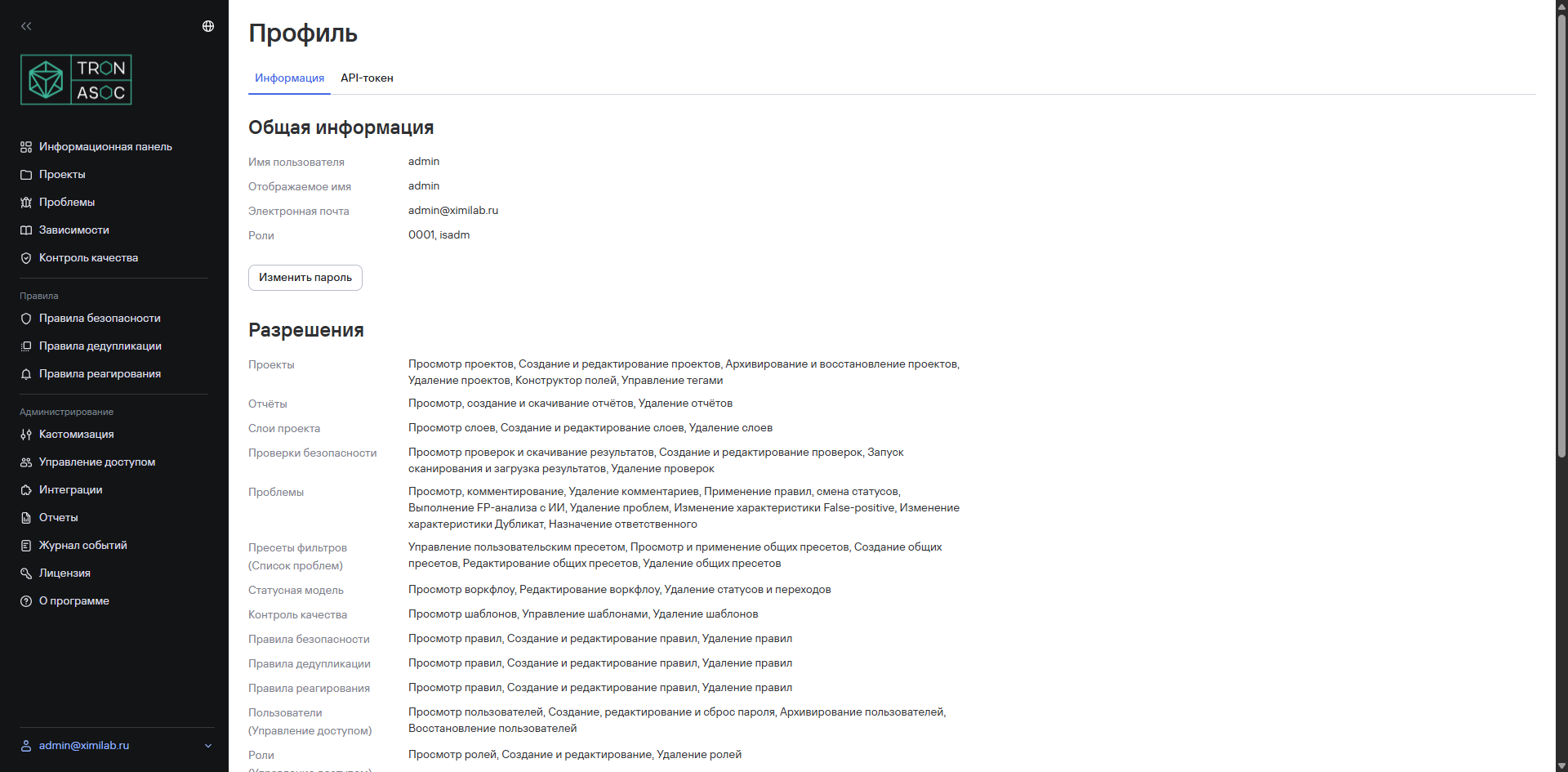
The “Information” subsection
In this subsection, users can:
- view information about the current profile and permissions;
- change their password.
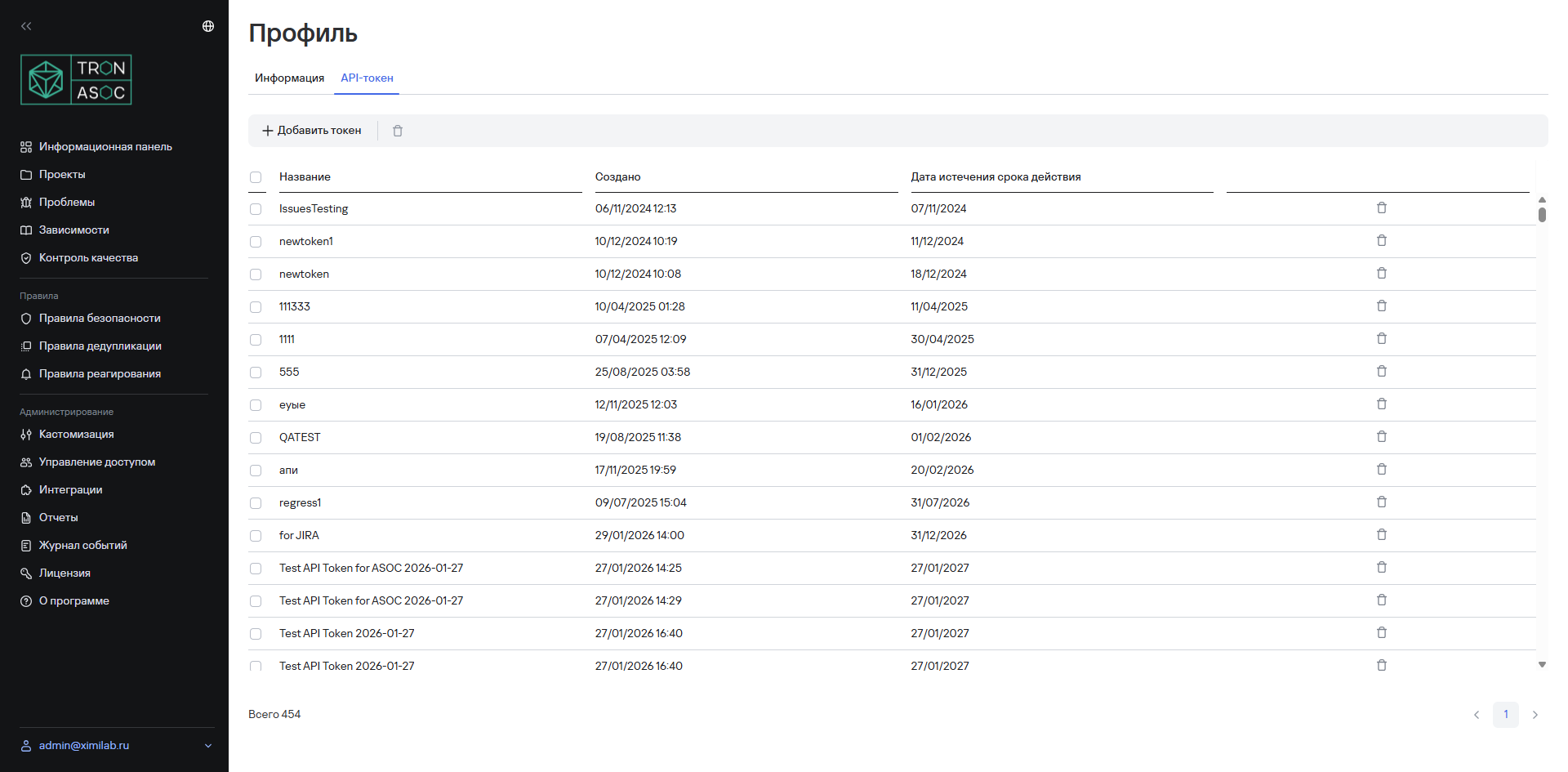
The “API token” subsection
In this subsection, users can:
- view a list of created API tokens;
- create, edit, or delete API tokens.