Dashboard
You can add widgets to the dashboard, rearrange them, resize them, and remove them from the dashboard.
For a detailed description of the dashboard and its widgets, see Dashboard.
Adding a widget to the dashboard
To add a widget to the dashboard, follow these steps:
- Select Customize layout.

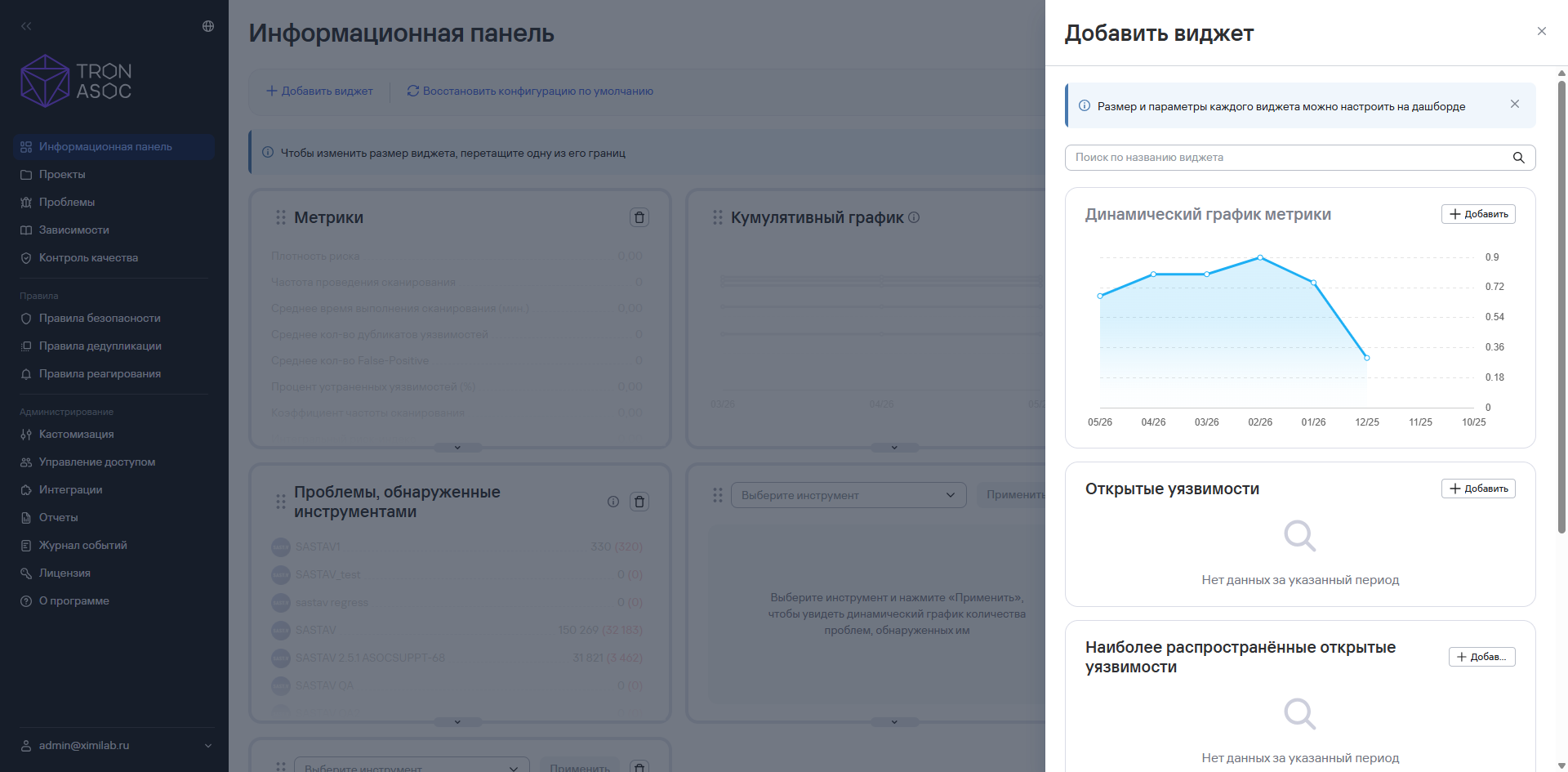
- Select Add widget.

- In the sidebar that opens, select the widget you need by selecting Add.
note
You can also search for widgets by name in the sidebar search bar.
- Select Save layout.
Moving and resizing a widget
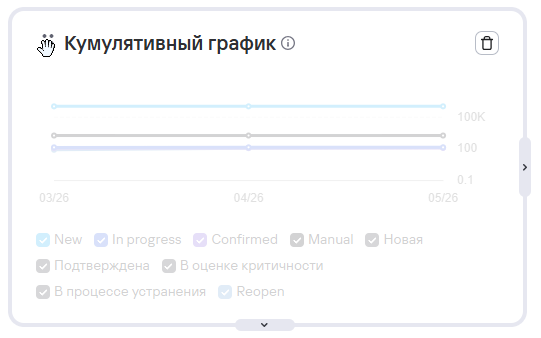
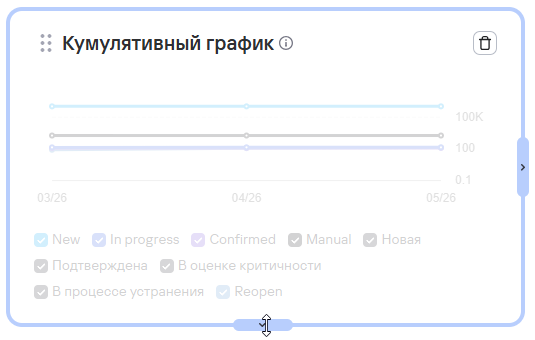
After you select Customize layout, you can also move or resize a widget.
Removing a widget from the dashboard
To remove a widget from the dashboard, follow these steps:
- Select Customize layout.
- On the widget card, select the delete button (
 ).
). - Select Save layout.