Emergency access recovery
You can restore access to the system using the following recovery accounts:
ldap_recoverysso_recovery
The system provides and configures the credentials during deployment: the usernames are permanent, and you set the passwords in the configuration file.
Recovery for systems that use the “Internal users” and/or LDAP authentication methods
You can log in to the system with a recovery account on the sign-in page.
Recovery for systems that use Forced SSO when the SSO service is unavailable
In this case, follow these steps:
- On the sign-in page, select Emergency login.
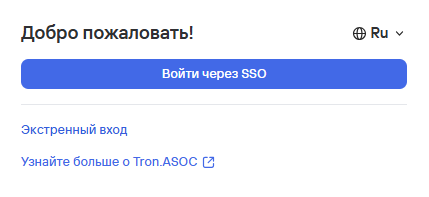
- Log in to the system using the recovery account credentials.
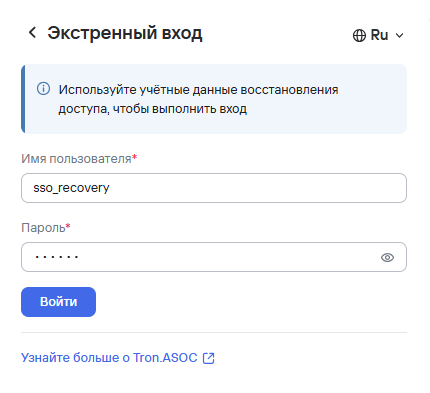
- Select Login.
After you successfully sign in, be sure to change the authentication method and add internal users who can access the system.