Авторизация администратора
Для успешной авторизации необходимо выполнить следующие шаги:
-
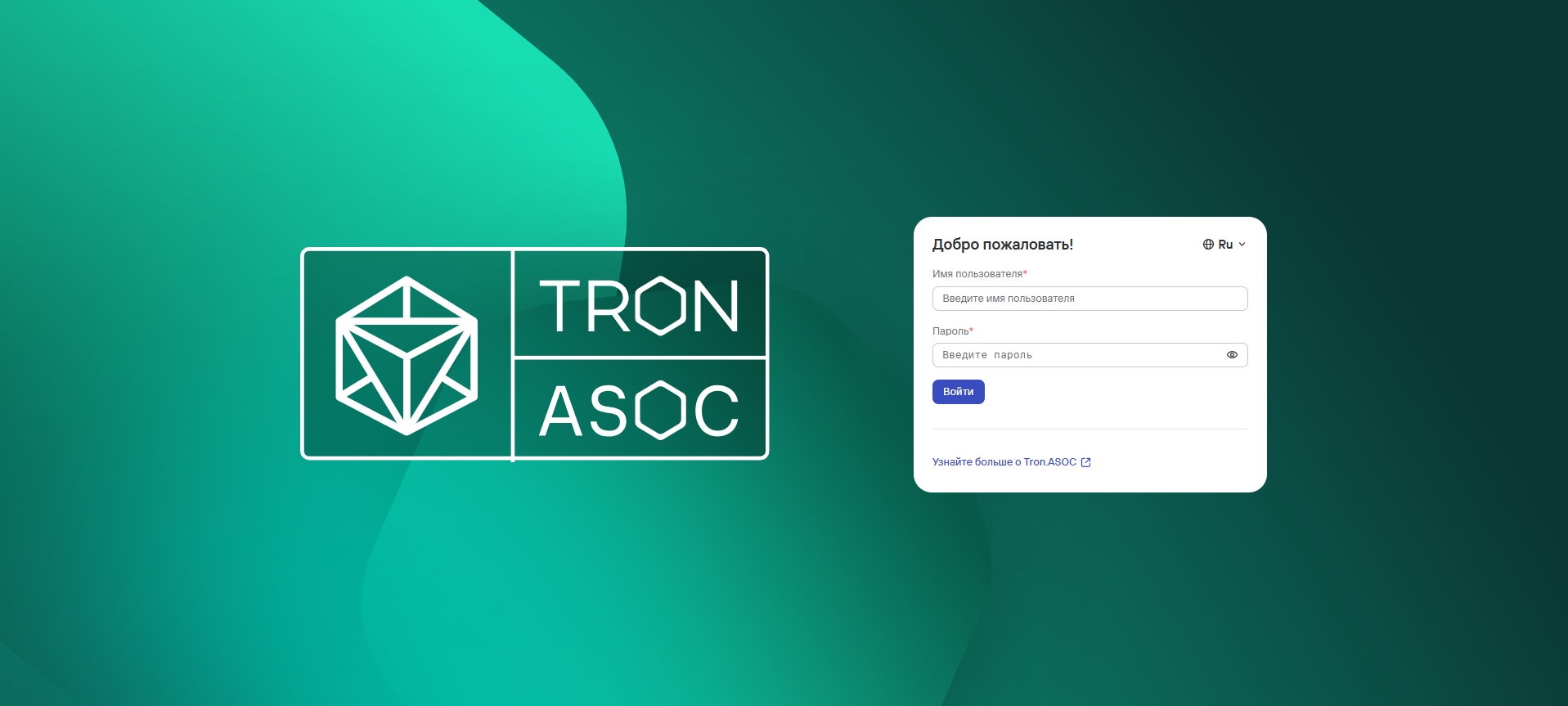
Перейти на страницу авторизации.
-
При необходимости выбрать удобный язык веб-интерфейса(доступны русский и английский языки).

-
Ввести Имя пользователя и Пароль от учетной записи администратора.
noteПри первом входе в систему в систему необходимо использовать следующие данные учетной записи администратора:
- Имя пользователя:
admin - Пароль:
admin
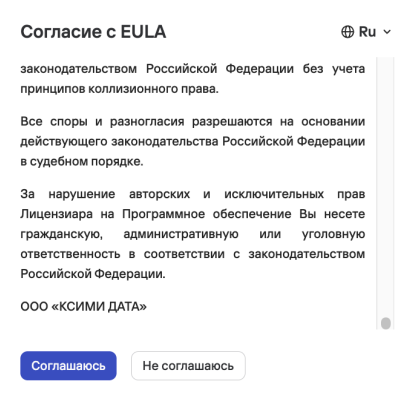
Также необходимо ознакомиться и принять Согласие с EULA.
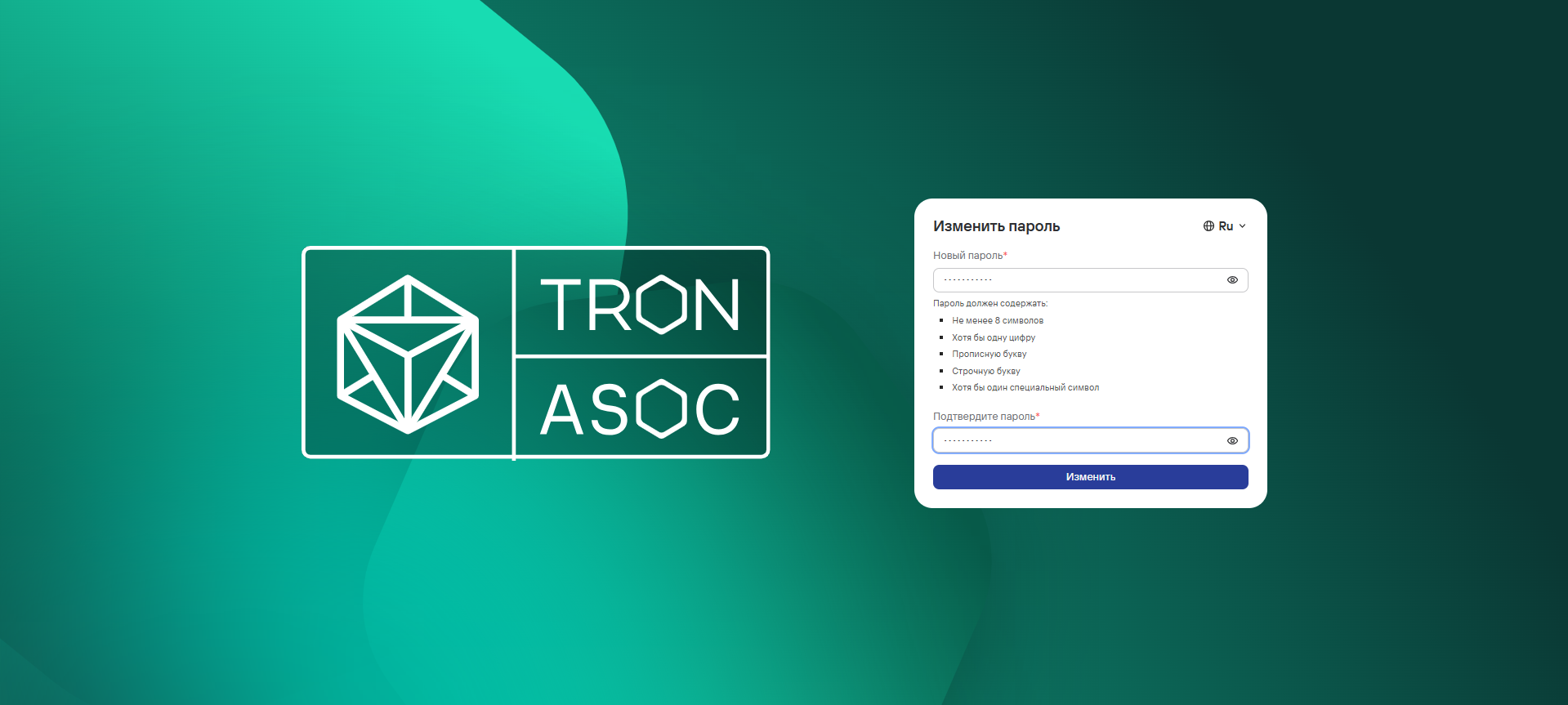
Далее потребуется изменить пароль к данной учетной записи, следуя указанным требованиям к новому паролю и нажать на кнопку Изменить.
- Имя пользователя:
-
Далее нажать на кнопку Войти.
В случае успешной авторизации откроется Информационная панель.
caution
При возникновении проблем с первым входом обратитесь в техподдержку TRON.ASOC.