Access management
In the Access management section, users can:
- add, edit, and archive users;
- reset user passwords;
- add, edit, and delete user roles;
- assign roles to users;
- add, edit, and delete user groups;
- organize users into groups;
- configure LDAP authentication settings;
- configure SSO connection settings;
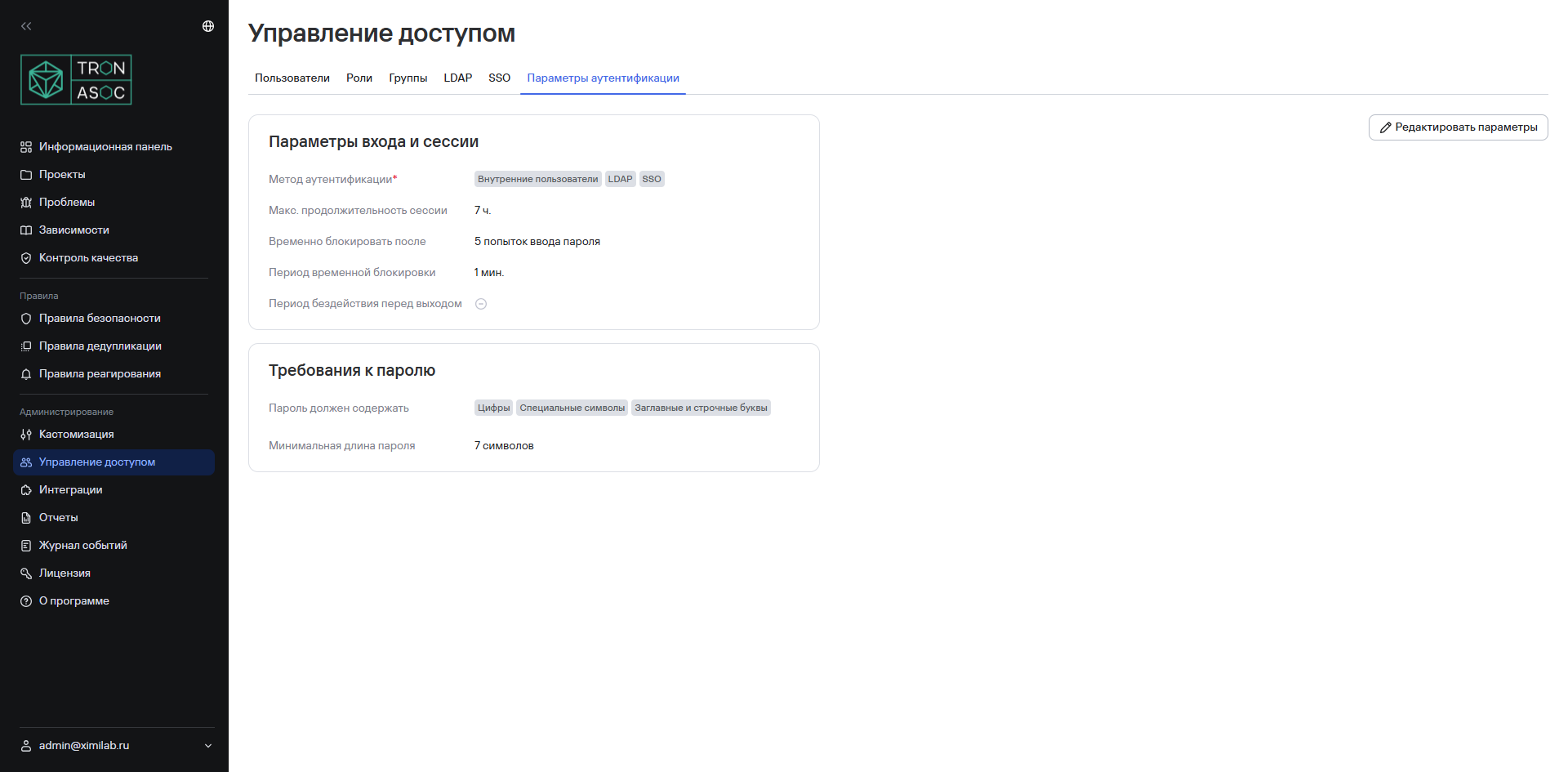
- configure TRON.ASOC authentication settings.
The section includes the following subsections:
- Users;
- Roles;
- Groups;
- LDAP;
- SSO;
- Authentication settings.
Users
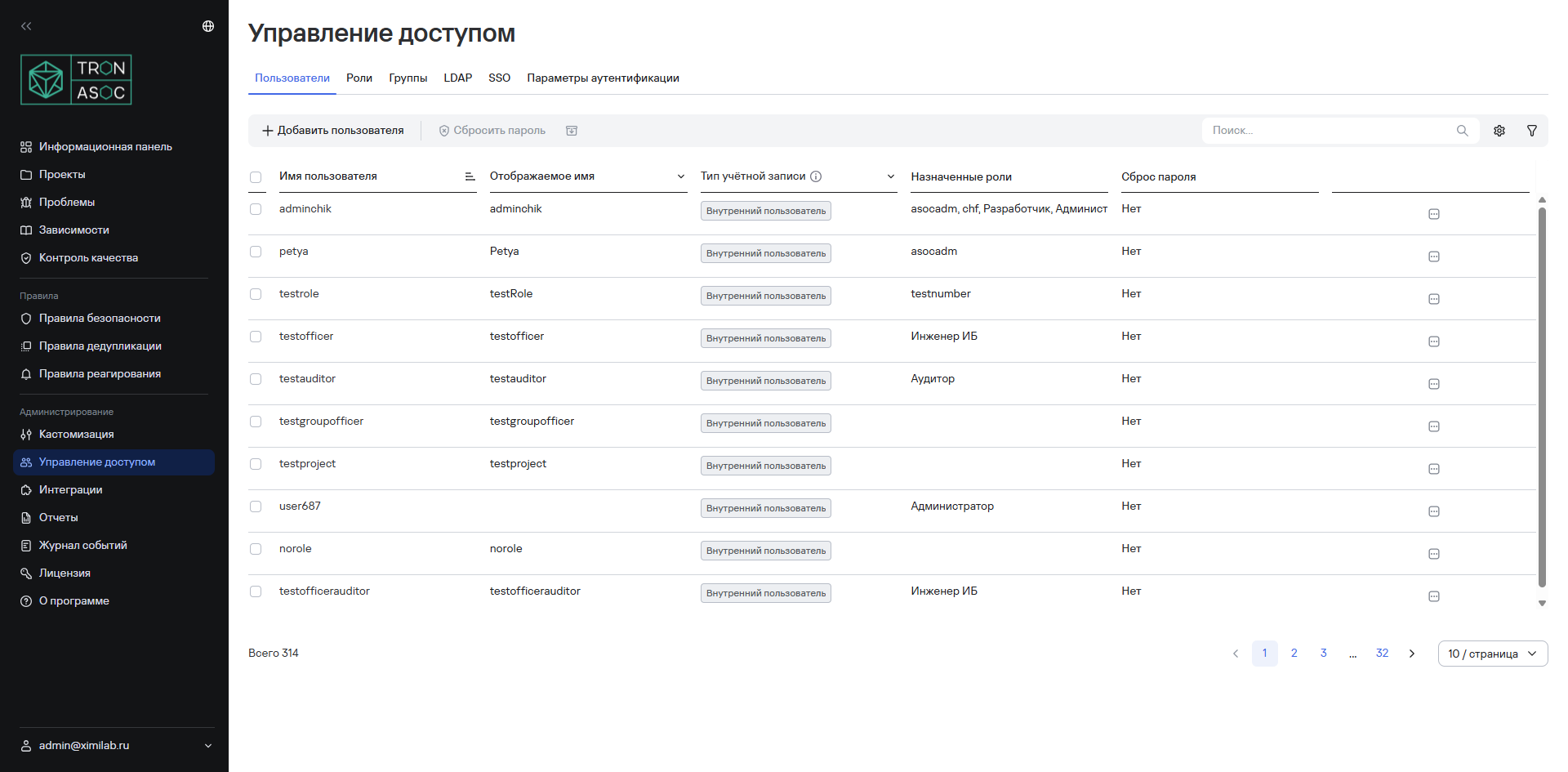
The Users subsection contains a list with the following user information:
- Username—the user's unique login or identifier;
- Display name—the name that other users see;
- Assigned roles—the roles assigned to the user;
- Password reset—an indicator of whether the user must reset their password. The Yes value means that the user must change their password the next time they sign in.
Roles
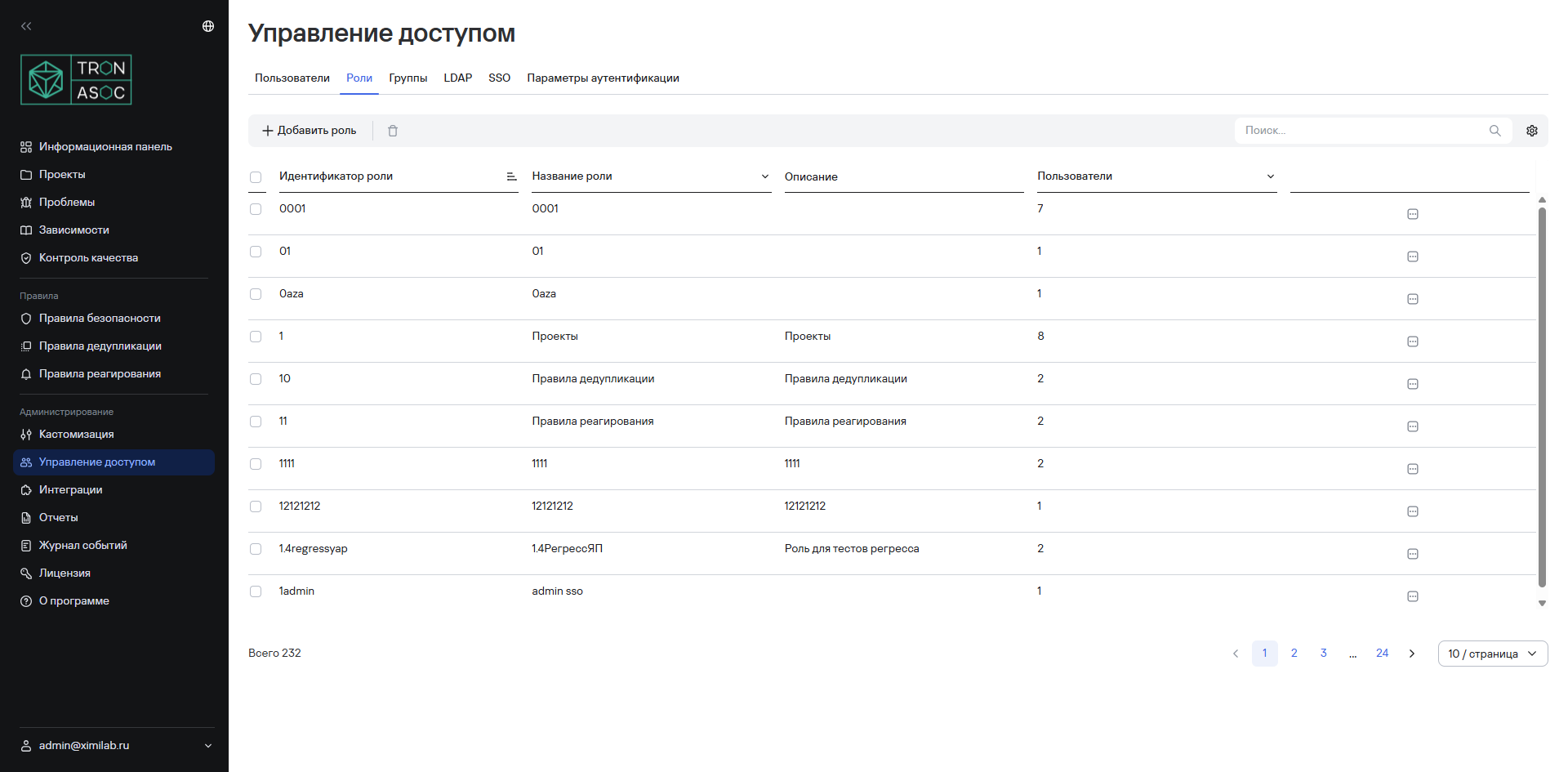
The Roles subsection displays all system roles and the number of users assigned to each role.
Basic system roles
| Role | Description |
|---|---|
| Administrator (isadm) | A role with full permissions. The product assigns all existing permissions to this role during installation. It's intended for users responsible for deploying and maintaining the infrastructure and system software required for the solution to work, for example, operating systems, application servers, and databases. These users are also responsible for creating and managing user accounts, roles, and access; changing settings; monitoring the license; and connecting security tools and scanning sources. |
| Auditor (isaud) | A role for monitoring data and system security, user actions, and system operations; analyzing event logs; monitoring scan results; and checking compliance with Quality Controls. |
| Information security engineer (isoff) | A role for monitoring and ensuring the information security of projects under development, configuring security rules, monitoring threats, and managing security tools and scans. |
| Developer (dev) | The minimum basic role. It's intended for users who check compliance with standards, view scan results, and review excluded issues. |
- You can't delete the Administrator (isadm) role; you can only block it. In addition, TRON.ASOC requires the system to have at least one user with the Administrator (isadm) role.
- You can delete the other roles (Auditor (isaud), Information security engineer (isoff), and Developer (dev)).
Groups
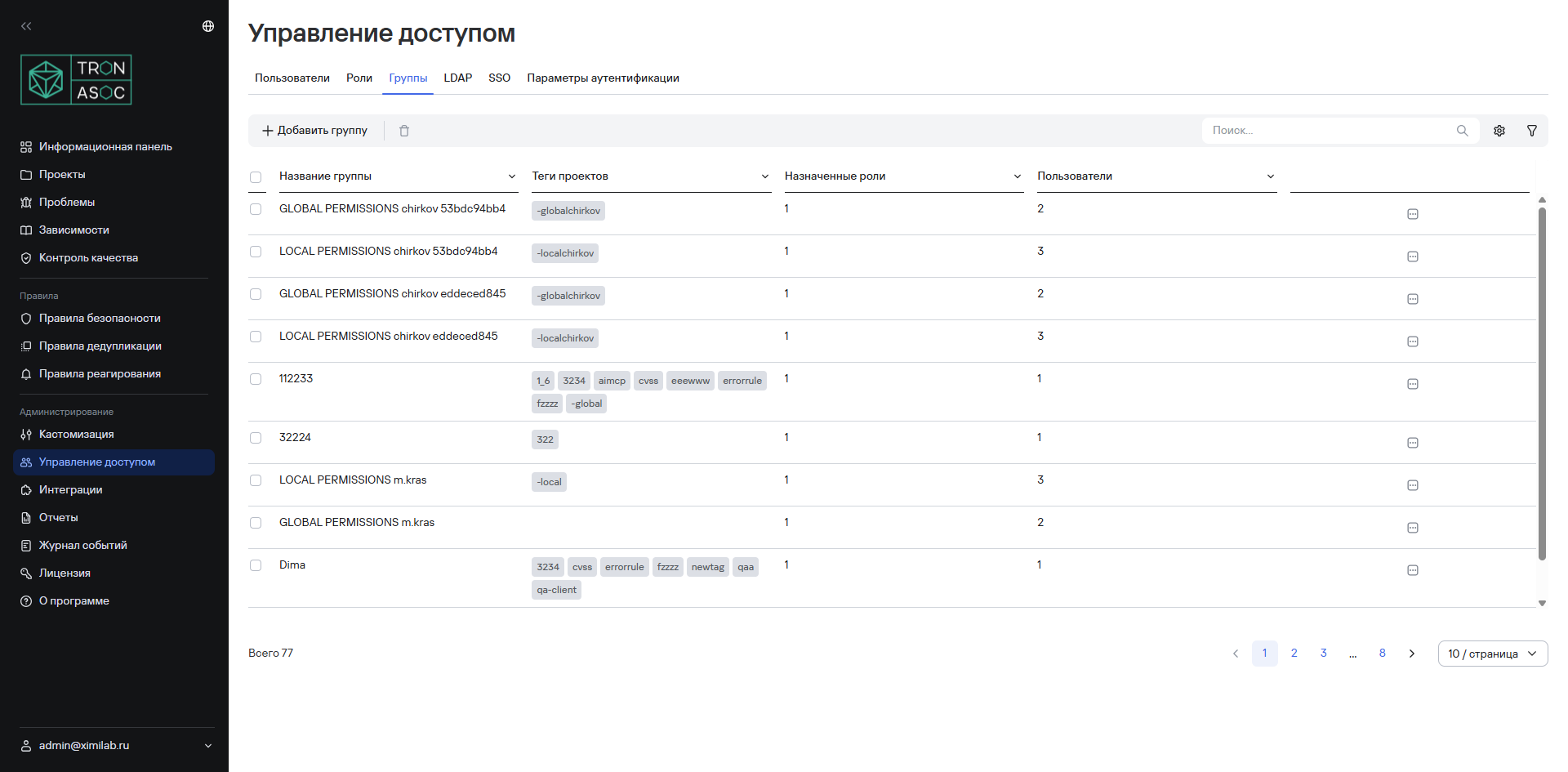
In the Groups subsection, you can create, edit, and delete user groups, add users to groups, and configure mappings to LDAP/SSO groups.
When you add new users to a group, the additional permissions assigned to the group are added to the user's role permissions.
LDAP
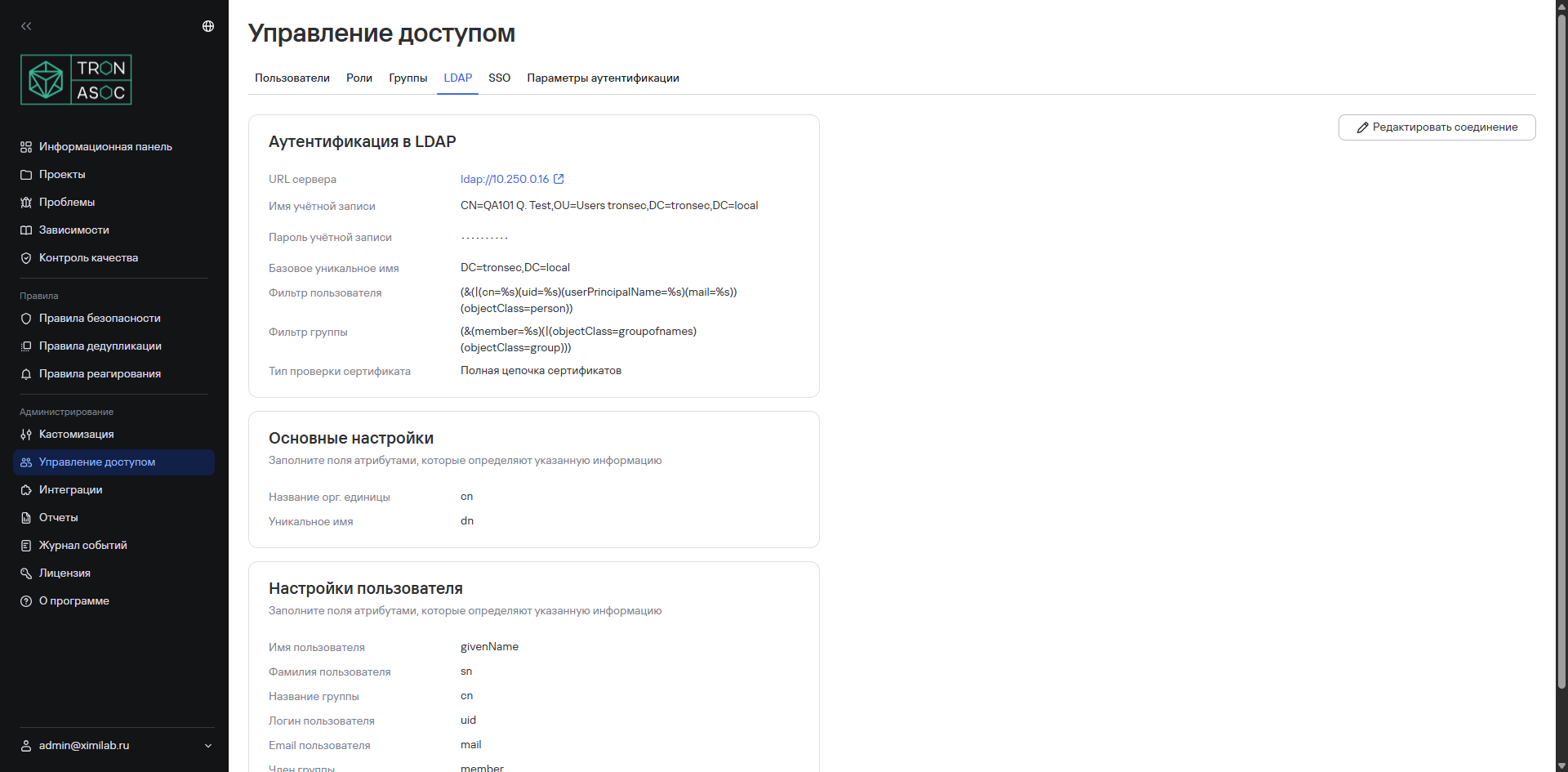
The LDAP subsection provides convenient and secure user and access management through integration with LDAP or AD.
SSO
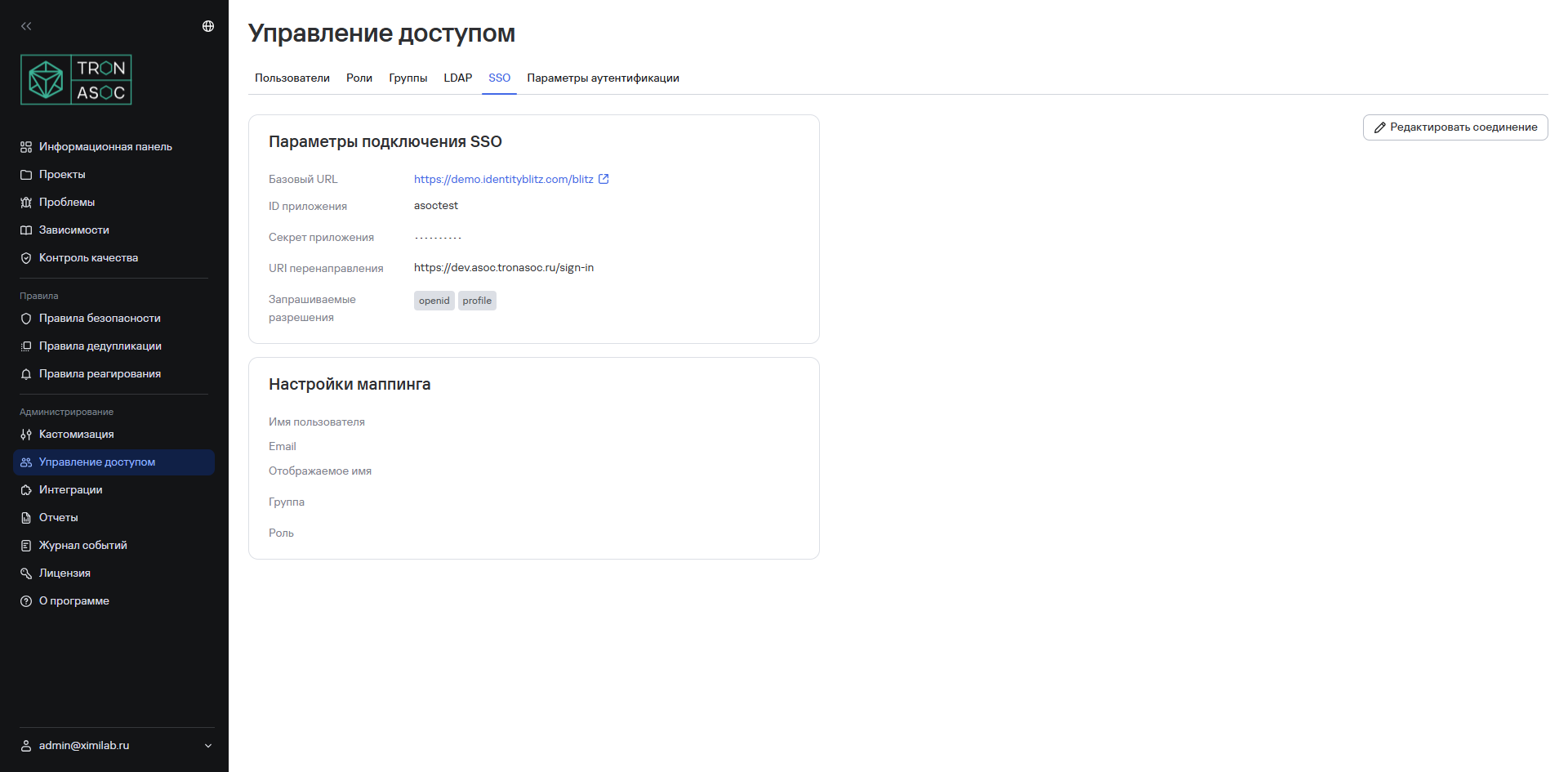
The SSO subsection lets you configure and manage users and their access through integration with IdP (Identity Provider) services, for example, Identity Blitz and Keycloak.
Authentication settings
In the Authentication settings subsection, you can configure the following settings:
- authentication methods;
- maximum session duration;
- maximum number of incorrect password attempts before temporarily locking the account;
- temporary account lockout duration;
- sign-out after inactivity;
- account password requirements.