Security issues section
Security issues and their information appear as a list in Projects → Project name → Issues (or in the Issues section of the main menu).
The security issue list contains the following fields:
- Vulnerability ID—ID of the detected security issue;
- False-Positive flag—indicates that the security issue is a false positive. It isn't a status and doesn't affect status changes;
- Duplicate flag—indicates that the security issue is a duplicate. It isn't a status;
- Covered by security rule flag—indicates that the issue falls under a security rule. It isn't a status;
- Category—name of the security issue category;
- Severity—severity of the security issue;
- Status—status of the security issue;
- CVSS (v.2/v.3/v.4)—security issue rating according to the corresponding CVSS standard;
- Exploitability—detected exploitability;
- Tool—name of the vulnerability detection tool;
- CWE—CWE parameter name;
- CVE—CVE parameter name;
- Source—name of the scan source;
- Source branch/tag—branch or tag of the scan source;
- File—name of the scanned file;
- Line—line number;
- Matching code—source code contained in the security issue;
- Library—library name;
- Project—project name;
- Created—date when the security issue was detected;
- Updated—date when the security issue was updated;
- Last detected—date when the security issue was last detected;
- AI FP analysis—result of the AI analysis for a false positive;
- Comments—comments and the number of unread comments;
- Assignee—users or user groups assigned to handle the issue.
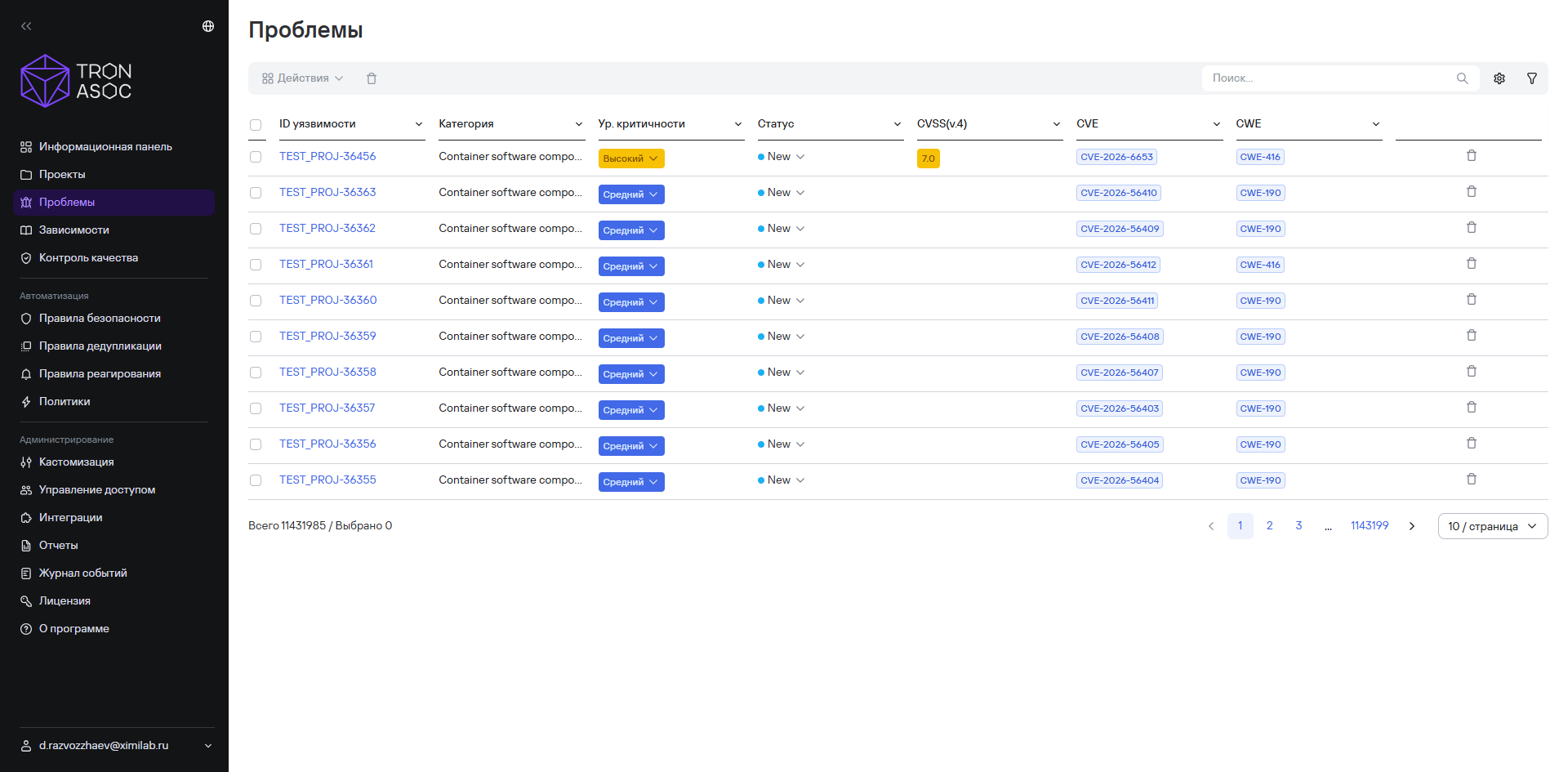
Users can perform the following actions on security issues:
- view detailed information about a security issue;
- change the visibility of security issue statuses;
- filter security issues by available attributes;
- search for security issues by CWE and CVE parameters;
- perform other bulk actions.
Security issue card
The security issue card opens when you select the issue ID in the Issues section.
The card includes the following tabs:
- Information;
- Description;
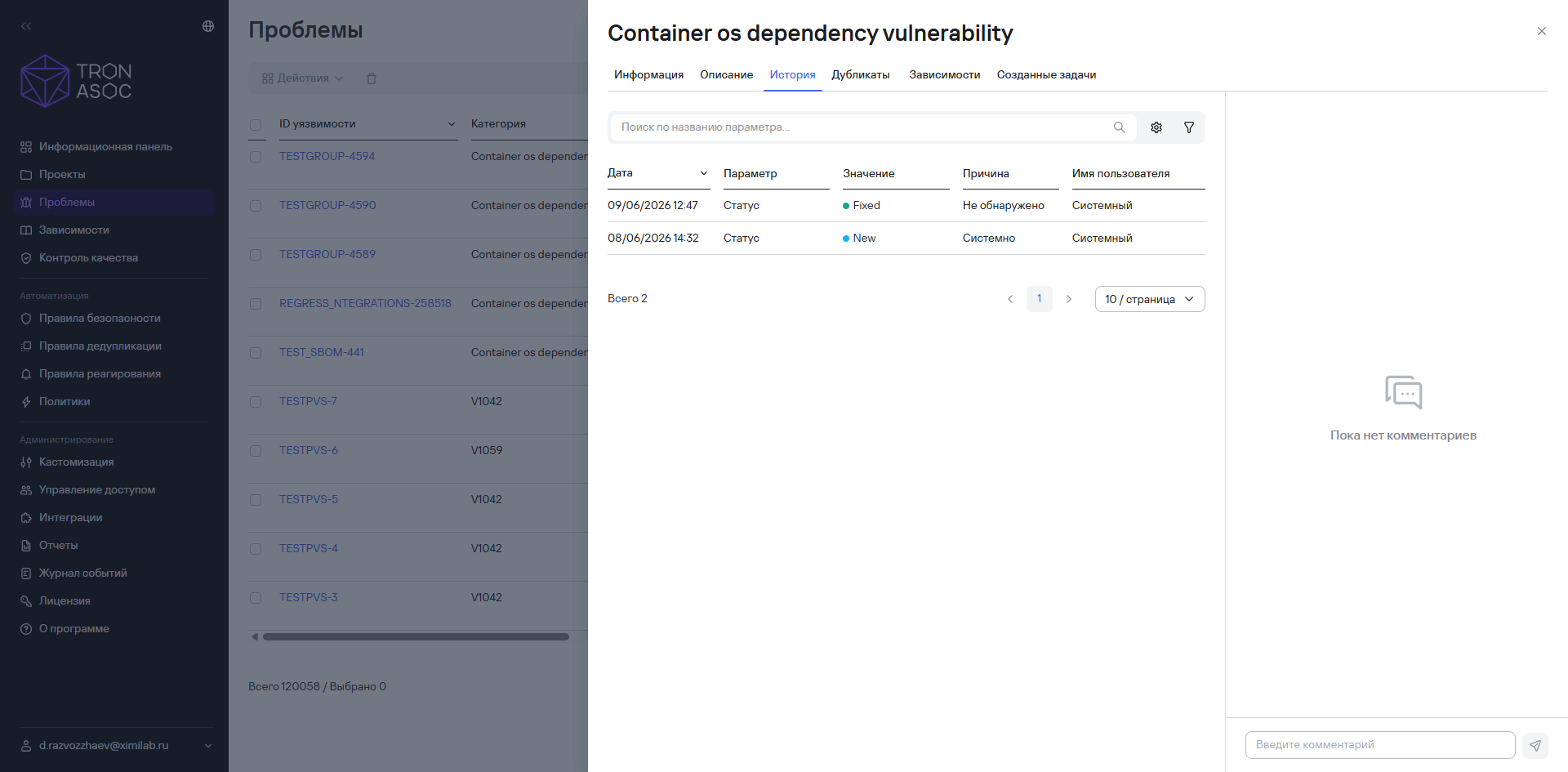
- History;
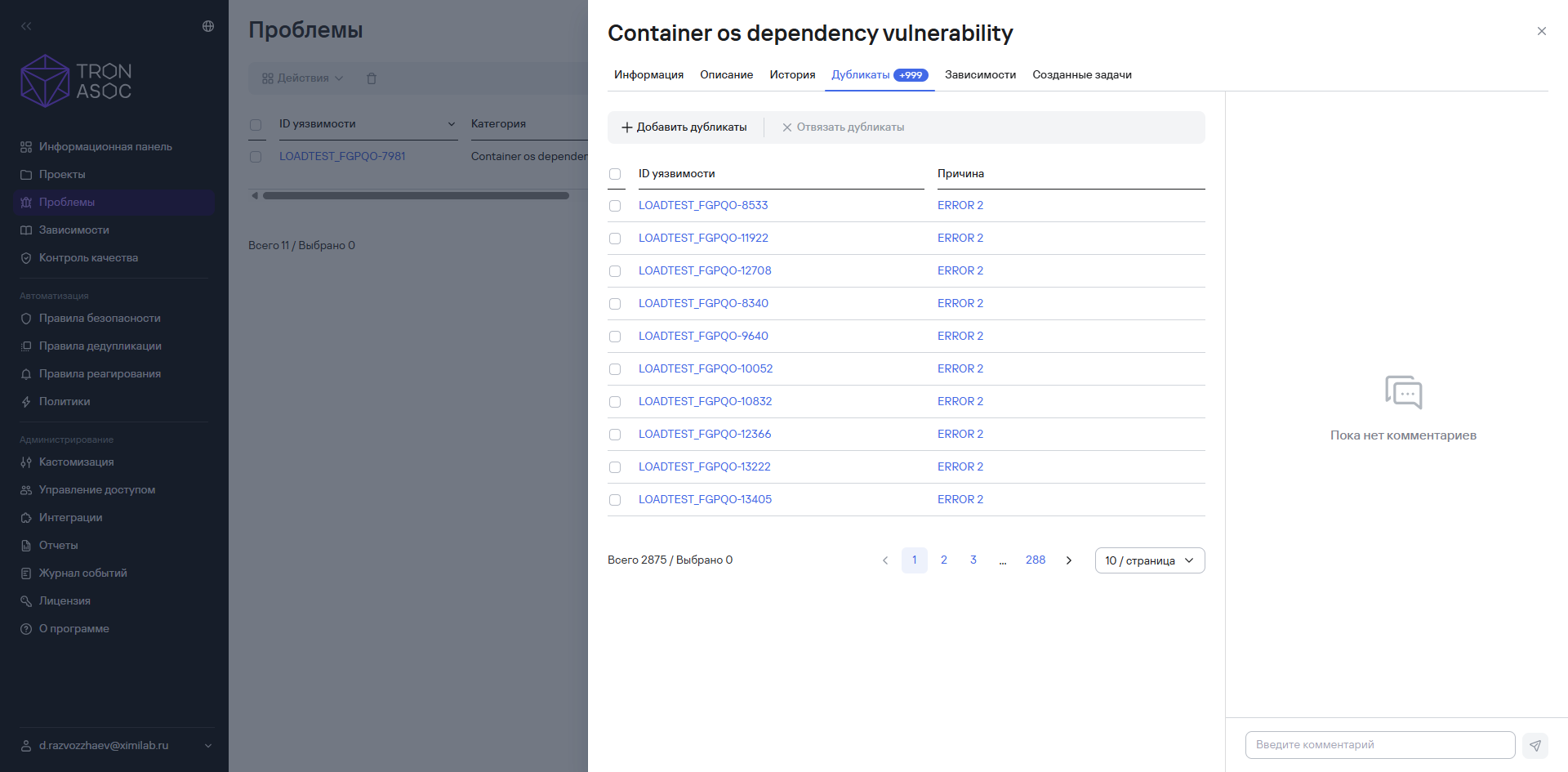
- Duplicates;
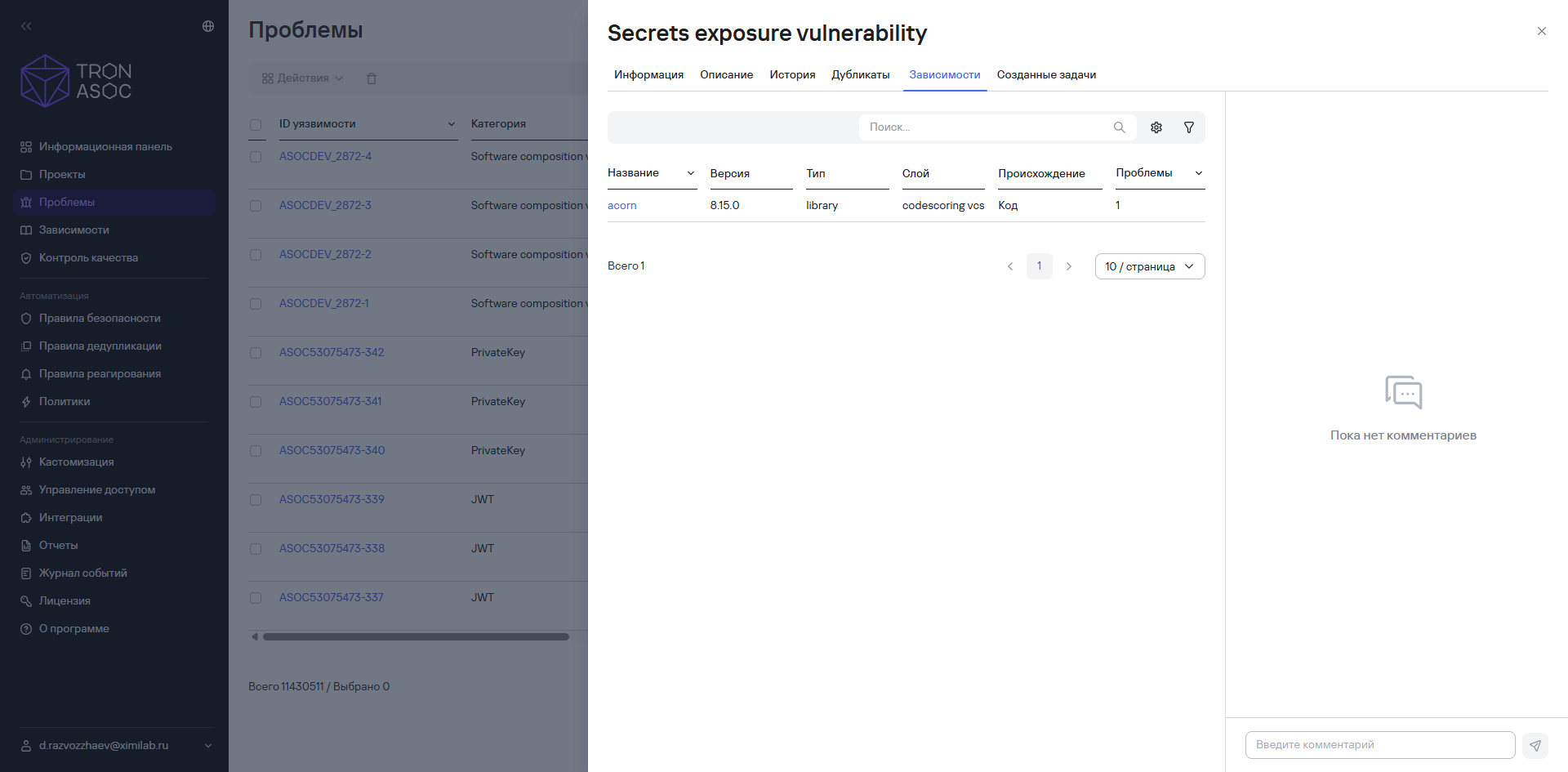
- Dependencies;
- Created tasks.
Information tab
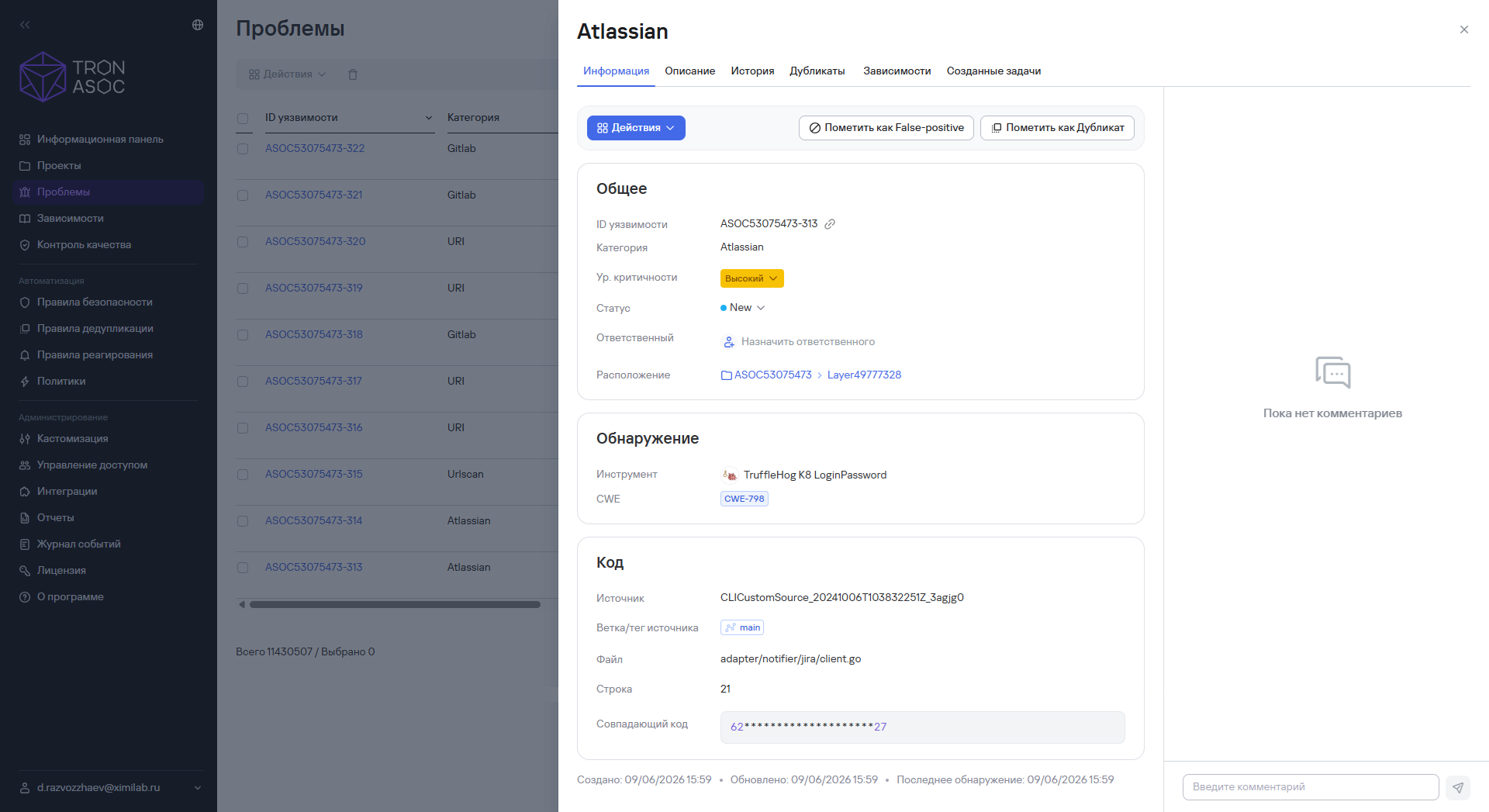
This tab contains general information about the security issue. The information is divided into the following blocks:
- General—this block displays the following data:
- Vulnerability ID;
- category;
- severity—critical, high, medium, low, or unknown;
- status—new, in progress, fixed, and others;
- assignee—the user responsible for working on the issue;
- location—the project and project layer where the issue was found;
- created tasks—tasks in the task tracker created from this issue;
- Detection—this block displays the following data:
- tool—the name of the security tool that detected the issue;
- CVE;
- Code—this block displays the following data:
- source—the scan source where the issue was detected;
- file—the file containing the code with the issue;
- line—the line number in the code.
The Information tab also displays the dates when the issue was created, updated, and last detected. Dates appear in the MM/DD/YYYY HH:MM format.
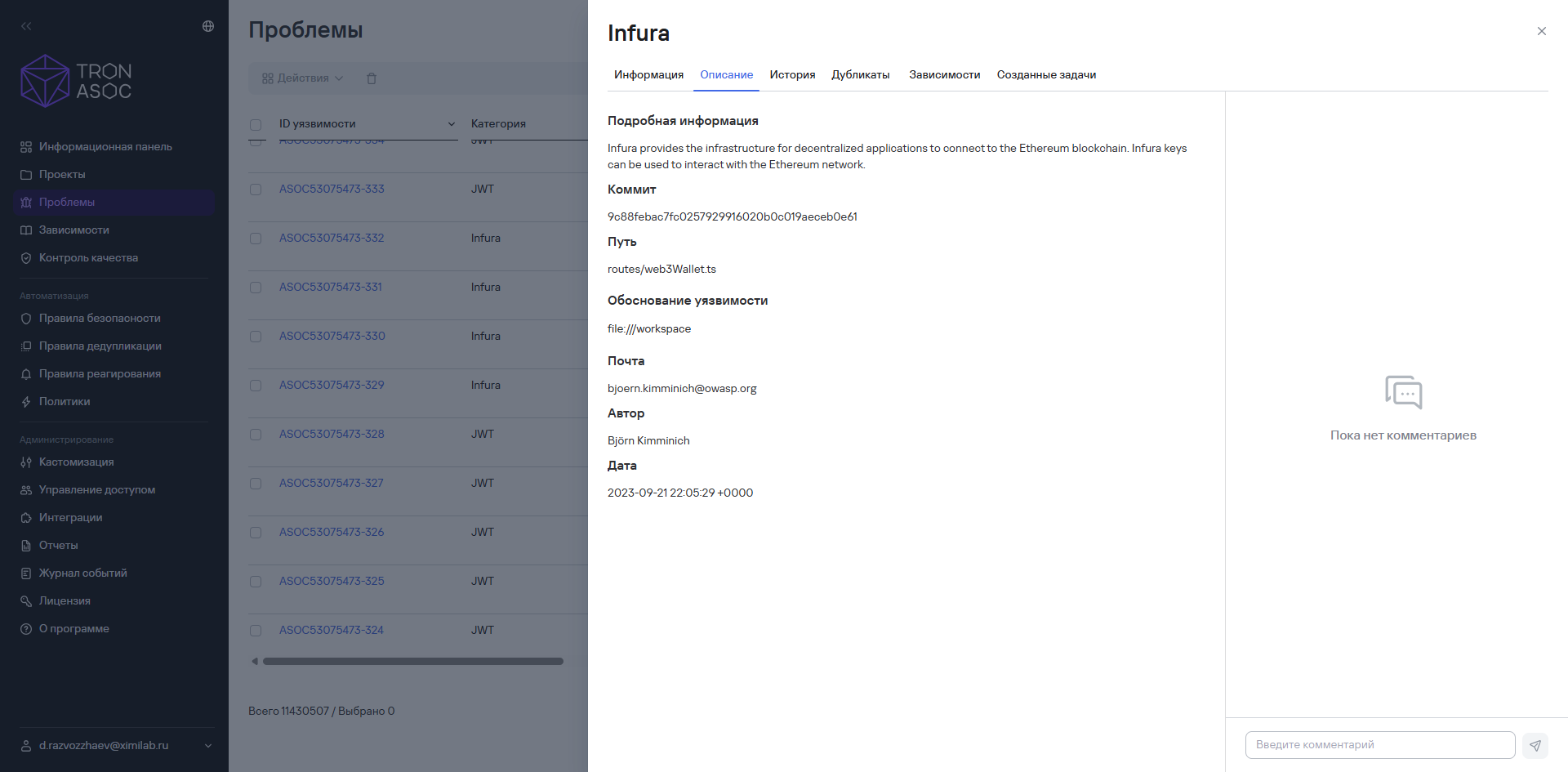
Description tab
This tab displays a detailed description of the security issue and its CVSS rating.
History tab
This tab displays the history of actions performed on the security issue, for example, changes to its status or severity.
Duplicates tab
This tab displays existing duplicates of the security issue.
Dependencies tab
This tab displays dependencies related to the security issue.
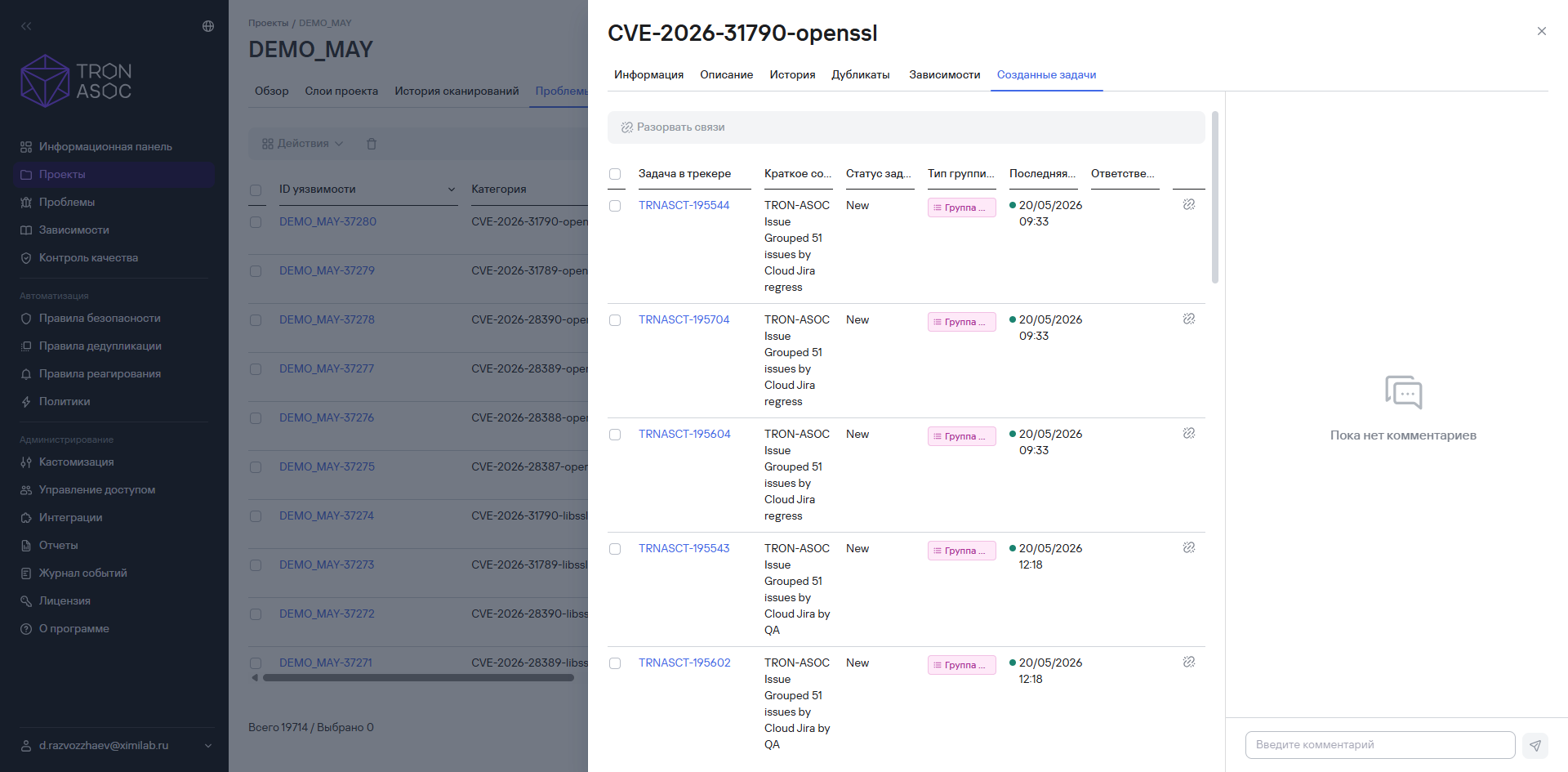
Created tasks tab
This tab displays tasks created from the security issue.