Deduplication Rules
General Information
Deduplication rules are designed to merge and remove duplicate records in the system by configuring data comparison rules. They allow for the automatic finding and merging of duplicate records, reducing the amount of redundant information.
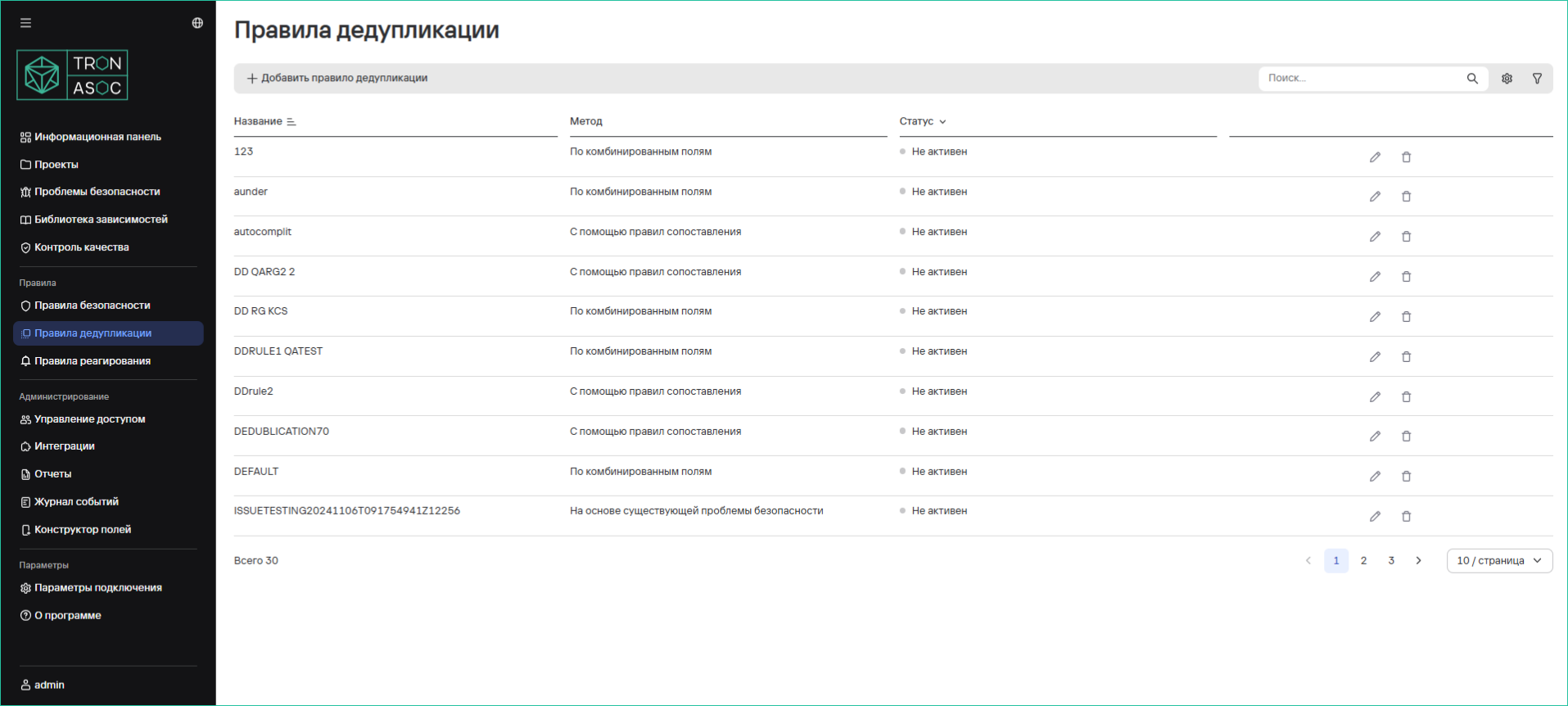
Deduplication Rules Table
The table contains a list of existing rules with options for sorting and viewing detailed information:
| Parameter | Description |
|---|---|
| Name | Rule name |
| Method | Deduplication method:
|
| Status | Rule activity (on/off) |
Finding Duplicates
To view duplicates, follow these steps:
- Navigate to Projects → Project Name → Security Issues.
- Find and open the security issue to which deduplication might apply.
- In the opened window, select the Duplicates tab.
- The list will display:
- Duplicate IDs
- Rule name
- Status
Additional actions:
- Manually add a duplicate
- Cancel deduplication (relevant buttons at the bottom of the page)
Creating Duplicate Rules
To create a new rule, follow these steps:
- In the Deduplication Rules section, click the Add Deduplication Rule button.
- In the opened form, specify the deduplication method, the category of fields for matching, and additional parameters depending on the selected method.
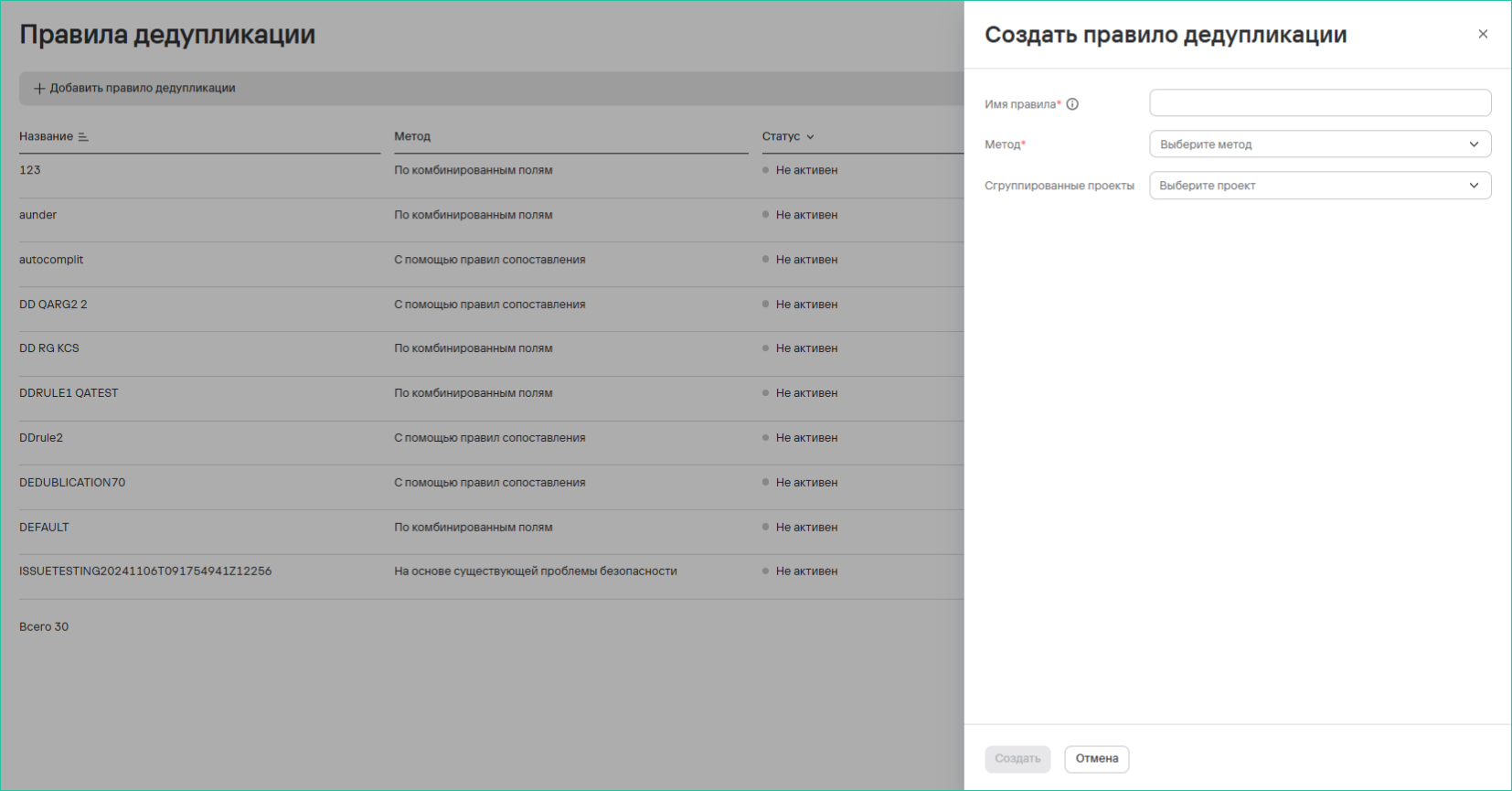
- Click the Create button.
info
Rules apply to both new and existing records.