Настройки правил авторизации пользователей
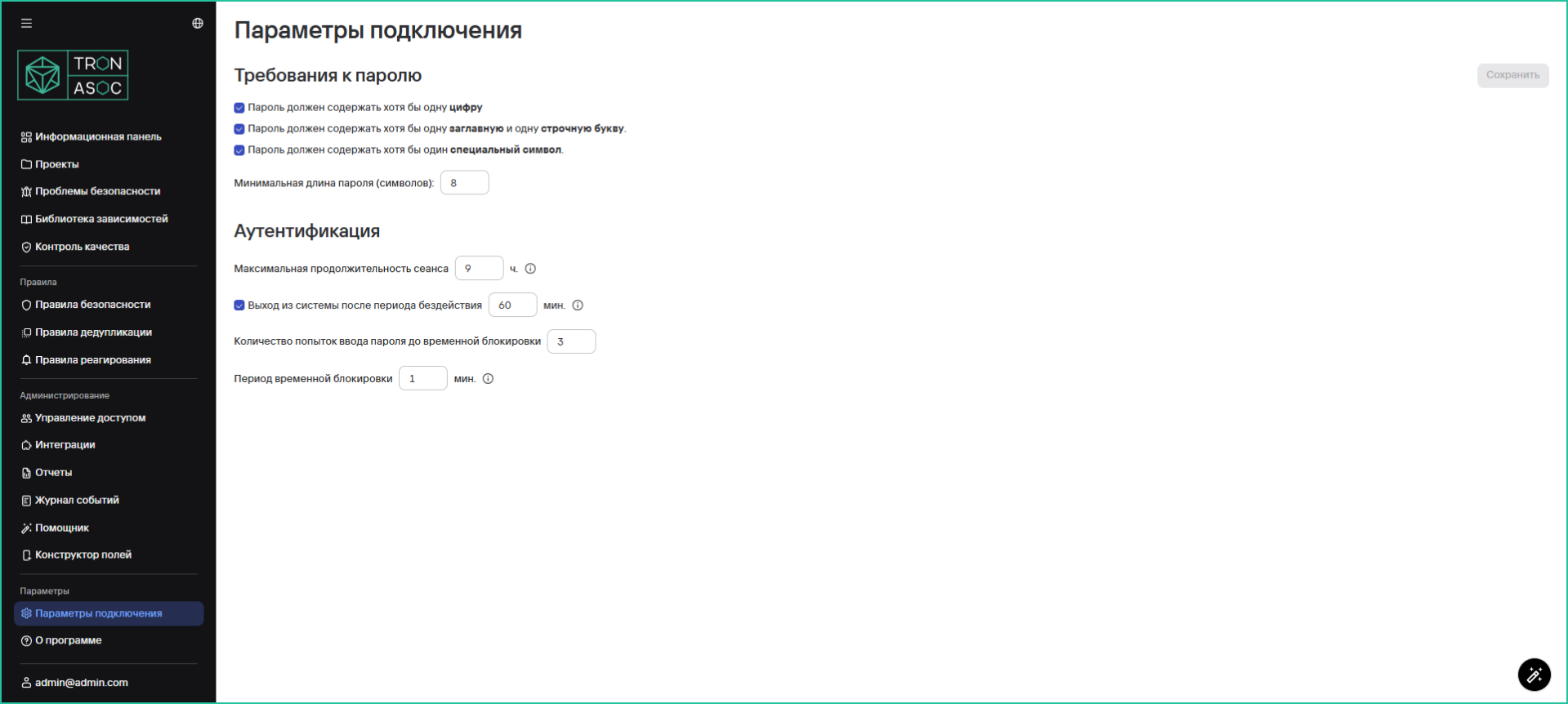
На вкладке Параметры подключения предусмотрены следующие возможности:
- настройка параметров требований к паролю
- максимальная продолжительность сеанса
- время выхода из системы после периода неактивности
- количество попыток ввода пароля до временной блокировки
- длительность временной блокировки
info
Для настройки параметров подключения администратору необходимо выбрать нужные требования и нажать на кнопку Сохранить. После этого все пользователи принудительно должны изменить пароль при следующей авторизации в системе.