Инструменты уведомлений
Подраздел Инструменты уведомлений позволяет настроить отправку уведомлений об уязвимостях на электронную почту и через вебхуки.
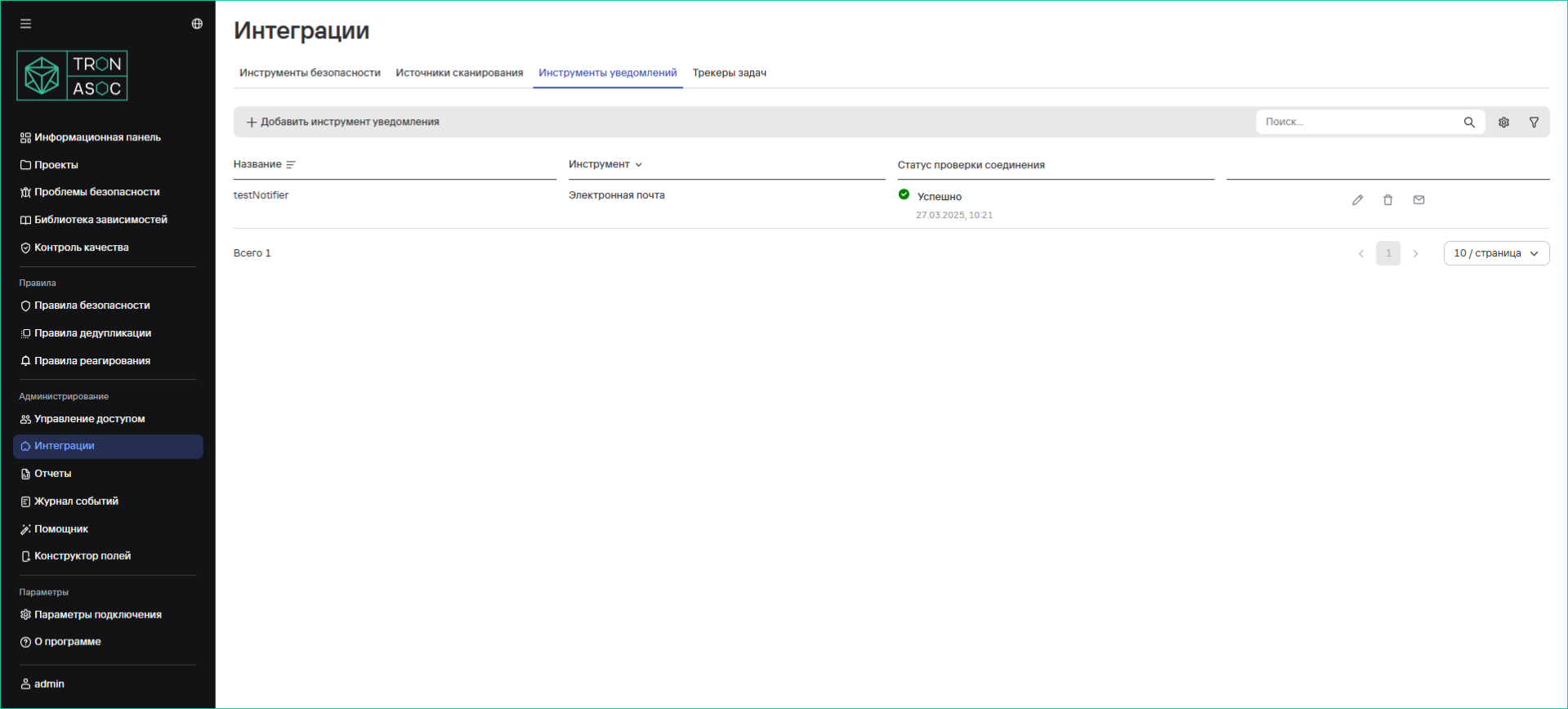
Создание инструмента уведомлений
Набор минимальных прав доступа для настройки инструментов уведомлений:
- Просмотр инструментов
- Управление инструментами
Подробнее о настройке прав доступа см. Настройка ролей.
Для создания инструмента уведомлений Электронная почта необходимо выполнить следующие шаги:
- Перейти в раздел Интеграции → Инструменты уведомлений.
- Нажать кнопку Добавить инструмент уведомлений.
- В открывшемся окне заполнить поля:
- Название
- Инструмент — выбрать Электронная почта
- SMTP-сервер
- Порт
- Имя пользователя
- Пароль
- Отправитель
- Получатели (при необходимости добавить конкретные email-адреса)
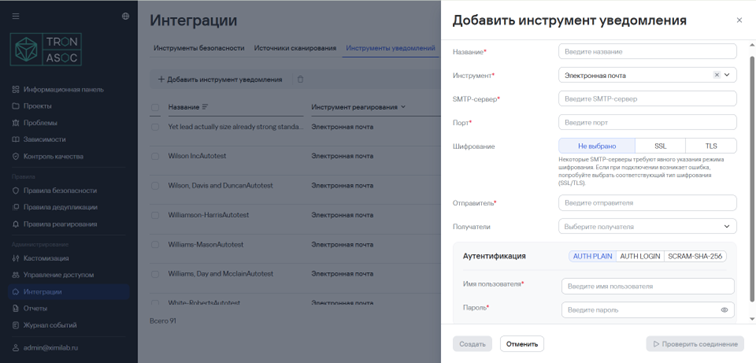
- Выбрать метод аутентификации и ввести аутентификационные данные. Для выбора доступны следующие методы:
- AUTH PLAIN;
- AUTH LOGIN;
- SCRAM-SHA-256.
- При необходимости добавить адреса электронных почт конкретных получателей в поле Получатели.
- Проверить соединение с инструментом уведомления, нажав кнопку Проверить соединение.
Проверка соединения доступна только в случае, если пользователь ранее корректно ввел данные для аутентификации. При правильно заполненных полях статус проверки должен быть успешным. Если соединение не установлено, нужно проверить корректность введенных данных, выбрать соответствующий тип шифрования (SSL/TLS) и повторить попытку.
- Нажать на кнопку Создать. После выполнения шагов созданный инструмент уведомления будет отображаться в списке инструментов в разделе Инструменты уведомлений.
Для создания инструмента уведомлений Вебхук необходимо выполнить следующие шаги:
- В разделе Интеграции → Инструменты уведомлений нажать на кнопку Добавить инструмент уведомлений.
- В открывшемся окне заполнить следующие поля
- Название;
- Инструмент — выбрать Webhook;
- URL вебхука;
- Ограничение частоты запросов (запрос/сек).
- Выбрать метод аутентификации:
- Открытый доступ;
- Токен.
При выборе метода аутентификации Токен необходимо указать название и значение заголовка.
Пример названия и значения: X-Auth-Token: a334564e7dd50848bc20f8984a152f77
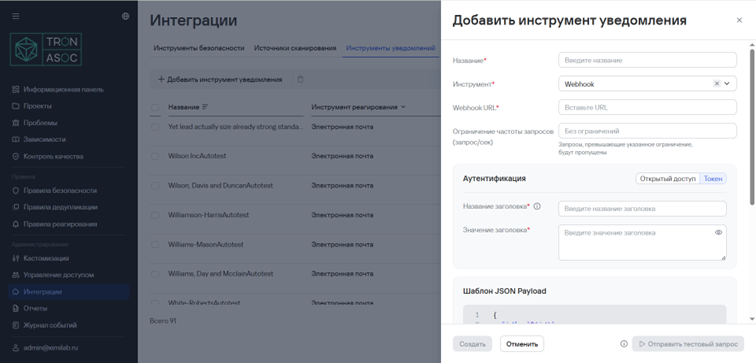
- При необходимости проверить соединение с помощью кнопки Тестовый запрос.
- Нажать кнопку Создать. После выполнения шагов созданный инструмент уведомления будет отображаться в списке инструментов в разделе Инструменты уведомлений.
Удаление одного или нескольких инструментов уведомлений
Для удаления одного инструмента необходимо выполнить следующие шаги:
- Перейти в раздел Интеграции → Инструменты уведомлений.
- Нажать кнопку дополнительных действий (
 ) возле необходимого инструмента.
 - Выбрать вариант Удалить.
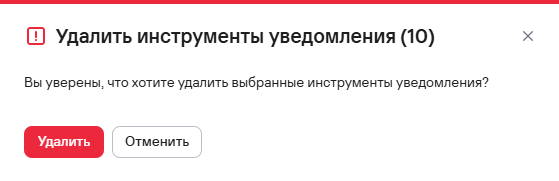
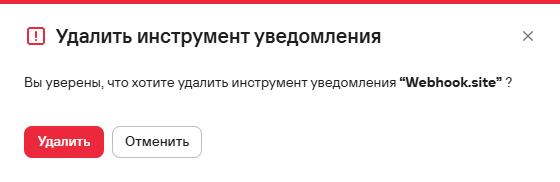
- В открывшемся модальном окне подтвердить удаление инструмента.
Для удаления нескольких инструментов необходимо выполнить следующие шаги:
- Перейти в раздел Интеграции → Инструменты уведомлений.
- Выбрать инструменты с помощью чекбоксов (
 )
) - Нажать кнопку удаления (
 ), расположенную на панели над таблицей инструментов.
 - В открывшемся модальном окне подтвердить удаление инструментов.